Adobe Premiere Pro on desktop has a seven-day free trial. In the US, Premiere alone costs $34.49 for one month, $22.99 a month with a one-year commitment, or $263.88 for a year paid upfront. Premiere on mobile is free for editing and watermark-free 4K export.
Prices were checked on November 19, 2026, against Adobe’s US checkout and subscription terms. Prices below are in US dollars before applicable taxes. Offers, eligibility and prices can change by region. ChatCut is our product. We cover it below for readers whose deliverable is a finished video or a rough cut for another editor.
How much is Premiere Pro in the US?
Find the column that matches how long you need to edit. The first price column buys one month at a time. The next two both buy a year. Adobe calls its multi-app plan Creative Cloud Pro. If an older tutorial tells you to buy Creative Cloud All Apps, that was the previous name for this bundle. Adobe’s US plan guide
| Plan | Month to month | Annual, billed monthly | Annual, paid upfront | What you get | Main limit |
|---|---|---|---|---|---|
| Premiere single app | $34.49 | $22.99 ($275.88 total) | $263.88 | Desktop editor, Frame.io review, 100 GB cloud storage | Other desktop apps such as After Effects cost extra |
| Creative Cloud Pro, individual | $104.99 | $69.99 | $779.99 | Premiere, Photoshop, After Effects, Audition and other apps | One-year commitment. Seasonal first-year offers apply only to eligible new subscribers |
| Creative Cloud Pro, students and teachers | No monthly option listed | $19.99 first year, then currently $39.99 | $239.88 first year, then currently $479.88 | Education pricing for the multi-app bundle | Adobe checks eligibility. Renewal costs more |
| Premiere on mobile | Free core editor | No annual purchase needed | No annual purchase needed | Multitrack edits, captions and watermark-free exports up to 4K | Desktop access requires a separate plan. Firefly generation uses credits |
Adobe also runs seasonal first-year offers. From November 13–27, 2026, eligible first-time subscribers aged 18 or older could buy Creative Cloud Pro at $29.99 a month ($334.18 prepaid) and the education plan at $15.99 a month ($191.83 prepaid), directly from Adobe or through its customer support. The table shows the usual prices. Renewal is at the then-current price. Check the offer for your account before comparing a school discount with the individual rate. Premiere checkout · Individual offer terms · Education offer terms
How does the Adobe Premiere Pro free trial work?
Start the trial when you have footage ready. The clock starts at checkout, even if you download the app later. Select the plan you want to try, sign in or create an Adobe ID, and complete checkout with a payment method. Adobe offers one seven-day Premiere trial per person on Mac or Windows. It gives you the full desktop application with its current features and updates. Adobe’s trial FAQ
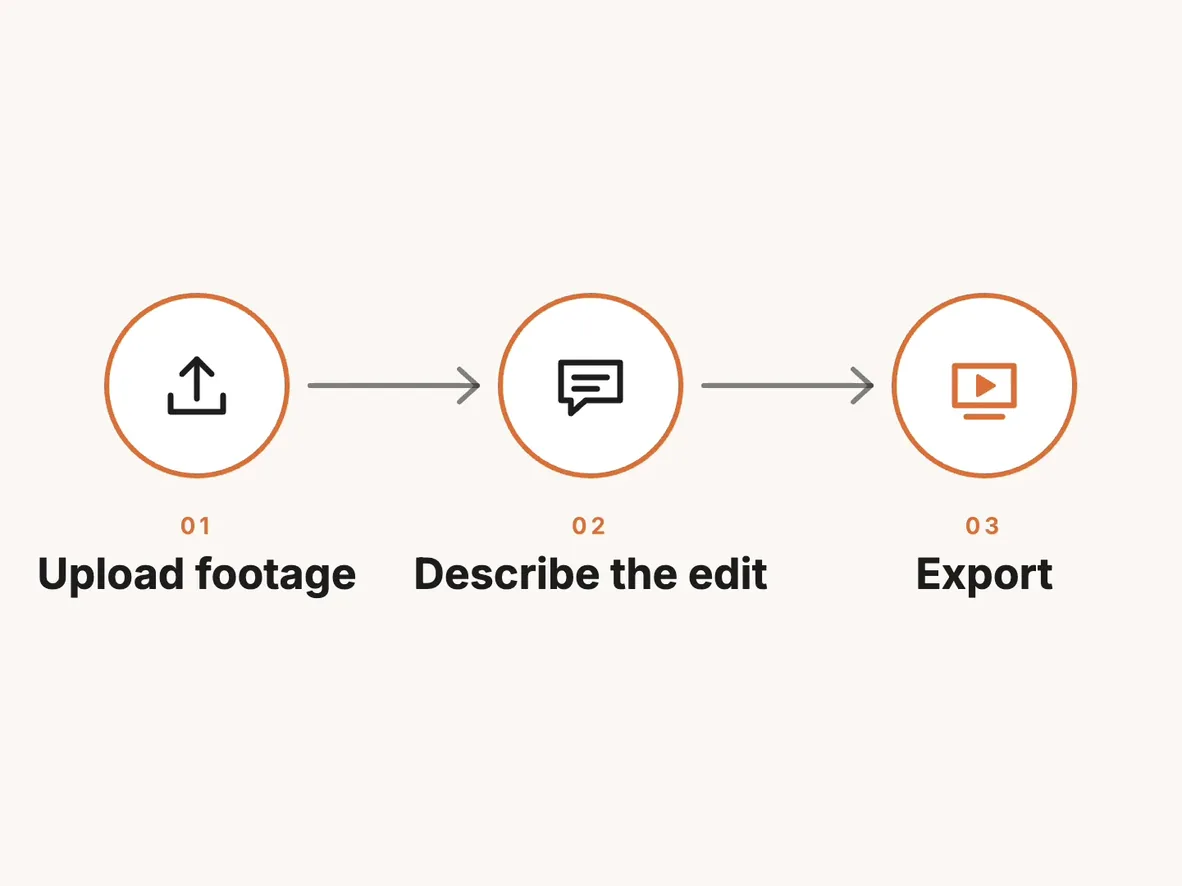
For an interview edit, try the whole delivery during that week. Import a recording, use text-based editing to assemble the answers, add titles, then export a file for the person who will approve it. If you expect feedback, send the cut early enough to make a revision. That final revision tells you whether seven days covers the actual job. Adobe’s Premiere trial and feature guide
Day eight is the first paid day. The trial converts to the subscription you selected unless you cancel before the trial ends. To avoid a charge, open the plan in your Adobe account, choose Manage plan, select Cancel your plan and finish the prompts. Adobe separately offers a full refund within 14 days of the initial paid order. During that second window, billing has already started and cancellation triggers a refund. Adobe’s trial timeline · Subscription terms
What can you edit for free on mobile?
If you filmed a vertical video on your phone and need to deliver it there, you can skip desktop checkout entirely. Premiere on iOS and Android lets you trim and layer clips, add captions and export as many videos as you like, up to 4K, without a watermark. Adobe lists images, effects, music, fonts and video assets in the app. You can finish a cut with your own footage, a music track and captions without starting a desktop trial. Adobe’s mobile feature and export FAQ
Two limits matter when planning that edit. First, generating a custom image, sticker or sound effect with Firefly uses generative credits. Adobe currently lists mobile generative features on iOS only. Second, moving the editable mobile project and its media into Premiere on desktop requires a paid desktop subscription. For someone delivering a finished video directly from a phone, that handoff is optional. For a producer who owes an editor an adjustable desktop sequence, budget for it. Adobe Premiere on mobile
Adobe’s paid desktop plan comparison lists 100 GB of cloud storage for both individual plans. The mobile FAQ makes no specific free cloud-storage allowance part of its export promise. If your project depends on holding a large library online, check the storage shown in your account before treating the phone app as an archive. Adobe’s plan comparison
Which Adobe Premiere Pro subscription fits your project?
One paid month for a short job. Say a client needs a Premiere project, with the first cut due next week and revisions due two weeks later. A single $34.49 month covers that schedule if you cancel before renewal. The $22.99 option saves $11.50 on the first invoice but commits you to a year. Count the revision period when choosing your end date. US Premiere checkout
A year of editing in Premiere alone. At $22.99 per month, twelve payments come to $275.88. Prepaying $263.88 saves $12 over the full year and makes the effective monthly cost $21.99. The full $263.88 is due when your paid year starts. If you would rather keep that cash for a shoot, the decision is whether spreading payment across the year is worth $12 to you. Both options give you Premiere. Adobe’s single-app checkout
A series that also needs motion graphics or photo work. List the apps you actually open for each episode. On annual, monthly-billed plans, Creative Cloud Pro costs $47 more per month than Premiere alone at the usual rates. During a seasonal first-year offer such as November 2026’s, that gap shrank to $7 for eligible new subscribers. A year of After Effects work on client titles could justify the bundle. A single Photoshop thumbnail in November is a different purchase. Adobe’s individual offer
A class that requires several Adobe apps. Education pricing applies to Creative Cloud Pro, and Adobe explicitly excludes single-app plans from its student discount. Check whether you qualify before buying Premiere by itself. A school-issued email can verify eligibility. Adobe can also request a current document bearing your name and institution. For a course that lasts one semester, compare the full annual obligation with the months you actually expect to use the apps. Education eligibility · Adobe trial FAQ
What does it cost to cancel early?
For a direct US purchase, start with the billing term on your receipt. Month to month renews each month. After the initial 14-day refund window, payment for the current month is nonrefundable and service continues through that billing period. Annual prepaid also becomes nonrefundable after the initial window, but you keep access through the contracted year. Canceling a prepaid plan halfway through does not recover half the purchase price. Adobe subscription and cancellation terms
Annual, billed monthly is where the early termination fee matters. After the initial 14 days, Adobe’s general rule charges 50% of the amount still owed on the contract. With six full $22.99 payments remaining, that is half of $137.94, or $68.97, before applicable tax. Access continues through the end of the current monthly billing period. Adobe’s US terms say automatically renewing customers on this individual plan move to monthly renewal after the first year. Check your account for your current term. Adobe’s legal terms
California has a different calculation. Adobe’s published terms specify 30% of the annual commitment after the initial 14 days. The base is the full annual commitment, so the six-remaining-payments example above does not apply. Before confirming cancellation, compare the fee displayed in your account with the clause for your location and purchase channel. Adobe’s cancellation terms
Where ChatCut fits
Keep Premiere if your client expects a native Premiere project with editable titles, effects and transitions. If the job ends with a captioned interview video, ChatCut’s free plan includes manual timeline editing, transcription, captions and local export. Local rendering does not consume the account’s cloud-export allowance. The free plan has a limited cloud allowance, and some 4K exports may require an upgrade. Product facts · Free and paid plans
There is also a practical division of work for a two-editor job. One person can assemble the dialogue in ChatCut, then export an XML timeline for the person finishing in Premiere. That handoff carries the cuts. Captions, text, effects and transitions do not transfer, so add them in the finishing editor if they need to stay editable. For a worked handoff and a spoken-video workflow, see how to edit videos without Premiere and how to make a talking-head video.