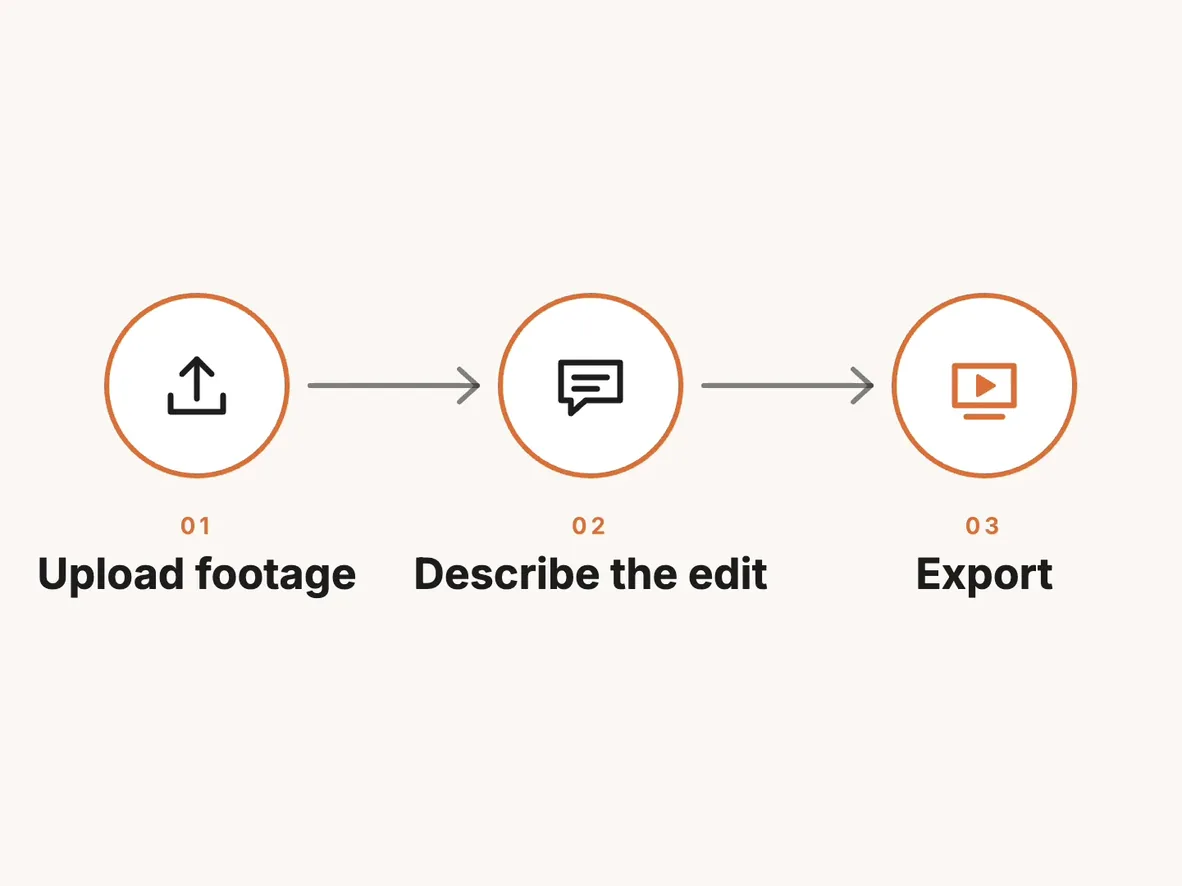
You can cut an interview, caption it, and export a local MP4 without spending ChatCut credits. Start with footage you already have and connect Claude Code or Codex to ChatCut Desktop. The agent uses its own subscription allowance or API billing to plan the cuts. Importing media, transcribing speech, editing the timeline, and rendering on your computer are included on ChatCut Free. ChatCut credits policy
A request to “cover this cut” can change the bill. If the agent places a screen recording you supplied, that is a timeline edit. If it asks ChatCut to generate the shot, you need a paid ChatCut plan and the generation uses credits. Cloud delivery has its own allowance. We make ChatCut and checked the policies below on November 20, 2026. Free and paid plans


-
 Codex
-
 Claude Code
-
 Antigravity
-
 Hermes Agent
- + any MCP client
Who pays for each part of the edit?
| What you ask for | What determines the cost |
|---|---|
| Read the transcript, select quotes, or write a lower third in Claude Code or Codex | Reasoning uses your Anthropic or OpenAI allowance. Editing existing media or placing the graphic the external agent wrote adds no ChatCut credit charge. |
| Import, trim, reorder, transcribe, or edit standard captions | These operations use zero ChatCut credits on Free. If you ask the built-in ChatCut Agent to do them, its messages use credits. |
| Generate an image, video, voiceover, music, or sound effect with ChatCut | Each hosted generation uses ChatCut credits. Hosted video and image generation also require a paid ChatCut plan. |
| Export the finished timeline | Browser-local and Desktop local renders use zero credits and leave the cloud allowance intact. A cloud render can use the project owner’s credits after the free allowance. |
The built-in Agent’s message charge varies with the model and the context it processes. In Desktop, when that agent writes or revises a motion graphic, the work counts as part of its message usage. You can also type in the same Desktop window using your own agent. In Agent mode, open the agent button below the composer and choose a detected, signed-in Claude Code or Codex CLI under Agent Selection. Desktop agent selection · How ChatCut charges for AI work
What did a 10-second ChatCut edit cost?
The edit used 0 ChatCut credits. We checked the available balance immediately before Claude Code started the edit and again after the local MP4 export. Both readings were 154.13 credits, and ChatCut showed 0 credits spent on the project. We measured only the ChatCut side of the bill.
We asked Claude Code to find a free stock clip, trim it to about 10 seconds, add a title, render it locally, and report which steps used ChatCut credits. Here is a version you can run with your own footage.
Claude Code chose a 15-second Pixabay clip of a photographer at the beach. It kept seconds 2 through 12, added a nine-frame fade-in and a 15-frame fade-out, and placed the title in the sky at the upper right. The stock clip had no audio track, so the edit skipped transcription and captions.
Claude Code, the external agent driving ChatCut Desktop, wrote the title motion graphic. No AI media generation was used. In the first preview, “Tel Aviv” broke across two lines. Claude Code reduced the title from 92 px to 78 px so the full line fit beside the photographer.

The first export was 10.57 MB, over our 10 MB limit. Setting the target bitrate to 6 Mbps brought the final MP4 down to 7.8 MB at the same resolution and frame rate.
What do Claude Code and Codex cost?
| Host | Access and billing |
|---|---|
| Claude Code | The Code tab in the Claude desktop app is available with Pro, Max, Ultra, Team, and Enterprise subscriptions. In the CLI, an API key is also an option with separate API billing. Desktop requirements · Authentication options |
| Codex | OpenAI lists limited desktop access on ChatGPT Free, subject to rollout. Paid plans have different allowances and supported clients. API-key sessions in the CLI use API pricing. Codex pricing and included usage · Codex CLI |
If you already use one of these agents, check that account’s remaining usage before buying another subscription. The same ChatCut rules apply to both. In Codex, also check which tool an image request will use. An image made by Codex’s native image tool counts against the host allowance. An image made by ChatCut’s hosted generator uses ChatCut credits. ChatCut’s external-agent billing policy
For a project with media on disk, ChatCut Desktop connects to the agent through the Model Context Protocol (MCP), a standard for connecting AI applications to tools. Desktop runs on macOS 13 or later on Apple silicon or Intel, and on Windows 10 or later on x64. There is no Linux build. For a ChatCut Web project, install the web plugin from the supported Claude Code or Codex desktop app. Desktop setup · Web plugin setup · What MCP does
Budget an interview edit
Suppose you have a 30-minute interview and three product screen recordings. You want a tighter full interview and up to three vertical highlights. The table applies the published rules to those requests. The durations and clip counts are example inputs. A recording’s length alone cannot tell you how much agent reasoning or generated media you will use. Plans and credits
| Editing stage | With Claude Code or Codex | With the built-in ChatCut Agent |
|---|---|---|
| Import the interview and transcribe speech | No ChatCut credits | Import and transcription carry no charge. Agent messages use credits. |
| Pick highlights and cut long pauses or repeated takes | Host usage for selecting cuts. The timeline edits use no ChatCut credits. | Agent messages use credits. |
| Add standard captions and place your screen recordings | Host usage for the instructions. Captions and placement use no ChatCut credits. | Agent messages use credits. |
| Write an editable lower third | Host usage for writing the graphic. No ChatCut generation charge. | In Desktop, writing the graphic counts toward message usage. |
| Generate an optional cutaway or soundtrack | Hosted generation uses ChatCut credits. Generating a video also requires a paid plan. | Generation uses credits in addition to agent message usage. |
| Render a local MP4 and save subtitles | No ChatCut credits | The local export is free. Agent messages use credits if you ask the built-in Agent to export. |
Import the interview and select highlights
In Desktop, choose Media Pool → Import → Files…, or drag the recordings from Finder or File Explorer into the Media Pool. Check that the interview has a transcript. If it needs one, right-click the asset and choose Transcribe. Media Pool · Long Video to Shorts
Send the following example requests in your connected Claude Code or Codex conversation to use its allowance. Opening a prompt in the ChatCut web editor uses the built-in Agent if you send it there.
Read the sentence just before each proposed cut. A short answer can change meaning if the question that prompted it is missing.
Clean up speech, then add captions and B-roll
Play across each join and listen for a clipped syllable. Once the speech edit is settled, ask for captions and B-roll. Use the Content panel on the active caption track to correct names and numbers. Captions should match the timing of the speech and identify other sounds needed to understand the clip. Speech Cleanup · Add captions · W3C guide to captions
Write a lower third and export locally
Scrub the first and last frames of the graphic to check its placement. With the project and source files available in ChatCut Desktop, request a local render. Open the resulting MP4 with its SRT selected in a player and check the captions against the audio. Motion graphics · Desktop local export
What changes when you generate media?
ChatCut Starter includes 100 credits per month. It costs US$25 billed monthly or US$252 billed annually, checked November 20, 2026. Hosted AI video and image jobs require a paid plan and sufficient credits. Buying extra credits by itself does not unlock a paid feature. ChatCut pricing · Plan benefits
| Hosted media | How to estimate the charge |
|---|---|
| Video | Select the model, duration, resolution, and any reference video. Read the estimate beside Video Gen before sending. For example, the current schedule lists about 2.677 credits per output second for Seedance 2.5 at 1080p, 16:9, with no input video. Earlier subscription pricing can differ. |
| Image | Check the estimate for the model, quality, resolution, and image count you selected. |
| Voiceover | The published rates are 0.80 credits per 1,000 characters for standard narration and 0.96 for ElevenLabs voices. Using a custom voice clone for narration requires a paid plan. |
| Music and sound effects | Music is priced per track and vocals can change the charge. Sound effects are priced by generated duration at 0.144 credits per second. |
A second generated take is a separate job. Where a confirmation card appears, Allow this time approves that request. After completion, verify the deduction in Credit activity → Detail. On Desktop, start at the bottom-left account menu and choose Credits. On the web, open the top-right avatar, then Settings → Billings and plan → Credits. Match the transaction to the action you requested. Generation rates · Generation confirmations · Credit activity
Which exports count toward the free allowance?
- Desktop local. Rendering the project on your computer uses no credits and consumes none of the cloud allowance. Desktop offers presets up to 4K. Your plan can require an upgrade for 4K, and HDR output is available on macOS. Desktop local export
- Browser local. The web editor chooses where to render a manual video or audio export. If it renders in your browser, the render uses no credits or cloud allowance. The web plugin defaults to browser rendering for video and audio. Web and Desktop export
- Cloud. Completed render time and time reserved by active jobs count toward the project owner’s cumulative free allowance. Cloud video supports up to 1080p. Beyond the allowance, the account may need an upgrade or credits. A manual web export shows any charge before it starts. An agent-submitted cloud video or audio job starts without a separate price confirmation, so agree on the cost before requesting cloud delivery. Cloud export limits
Free exports have no watermark. For a subtitle sidecar, use Export → Subtitles and choose SRT or plain text. If a colleague will finish the cut in Premiere Pro or DaVinci Resolve, a standard XML handoff is free. Transparent ProRes 4444 motion graphics require a paid plan, and rendering those graphics in the cloud for a web XML handoff can use credits. Export options · Premiere Pro and DaVinci Resolve XML
How standalone editors compare
If you need a single captioned interview and have no agent subscription, compare the editing feature you need before paying for a host. These are the vendors’ published offers as of November 20, 2026.
- CapCut includes basic editing and free templates. Its Pro and Ultra plans include AI credits. Features and plan availability vary by region and platform. Check the price and credit allowance displayed at checkout. CapCut pricing
- Microsoft Clipchamp includes captions, AI voiceovers, silence removal, and watermark-free exports up to 1080p on its free personal plan. Microsoft 365 Personal and Family add 4K export, premium stock, and a brand kit. Clipchamp plan comparison
- DaVinci Resolve handles most 8-bit formats up to 3840 × 2160 at 60 fps in the free edition. If the reason you want Resolve is to operate it through Claude Code or Codex, Blackmagic lists desktop AI assistant integration as a Studio feature in Resolve 21.1. Resolve editions · 21.1 assistant announcement · Studio feature table, page 4
Questions about AI video editing costs
Is ChatCut free for this?
Can I estimate the cost from the length of my interview?
How can I tell whether an export might use credits?
For a walkthrough with the host you already use, see editing with Claude Code or editing with Codex.