For a watermark-free 1080p intro made from your own logo and footage, start with Clipchamp’s personal Free plan. Canva is a good fit if you want an animated logo template and can use Free elements throughout. For an illustrated character opener, Animaker lets you download the video on Free, with its watermark attached. If the timing of the cut from your highlight to your channel name matters more than the template, try the ChatCut timeline editor.
ChatCut publishes this guide. We compared nine tools using their official documentation on November 20, 2026. The limits below are documented terms. For ChatCut, we also made and exported the six-second channel intro shown below.
Free intro makers at a glance
| Tool | Good fit | What you can do for free | What to check before export |
|---|---|---|---|
| Clipchamp (web or Windows) | Cut a logo into channel footage | Export up to 1080p without a watermark on personal Free | Use your own or free stock. Premium effects, stock, the brand kit and 4K need an eligible plan. |
| Canva (web, desktop or mobile) | Animate a logo template | Download a watermark-free MP4 using your own media and Free elements at the default 1080p | Pro content needs a license. Changing MP4 quality prompts a Free user to upgrade. |
| ChatCut (web or desktop) | Time an editable title to a clip | Edit manually and render locally without a watermark or a credit charge | The cloud allowance, built-in Agent messages and hosted generation have separate billing rules. |
| Renderforest (web) | Put a logo into a 3D scene | Preview and export a video with a watermark | A paid export or eligible subscription removes the mark. |
| Animaker (web) | Build a character intro | The video-maker FAQ lists up to three watermarked HD downloads per month | A paid plan removes the watermark. |
| DaVinci Resolve (macOS, Windows or Linux) | Animate titles inside an edit | Use Fusion in the free desktop editor | Studio-only effects can add a watermark in the free edition. |
| Cavalry (macOS or Windows) | Animate repeating shapes or type | Use the procedural 2D animation app with a Canva Free account | Install the standalone app and sign in with Canva. |
| Blender (desktop) | Build a custom 3D title | Make and render your own graphics, including for a commercial channel | Allow time to build the scene and check the licenses on any third-party assets you bring in. |
| Adobe After Effects (desktop) | Finish an opener that uses an After Effects project | Use the full app during Adobe’s seven-day trial | Billing begins on day eight unless you cancel in time. |
How we compared the tools
We looked at what happens between editing a template and downloading a clip. Can you take the video out of the editor on a free account? Will the download carry a watermark? Does using premium stock, changing the resolution or rendering in the cloud change the answer? After Effects is included as a trial option for readers who already have an After Effects project.
Browser editors for a watermark-free MP4
Clipchamp for footage and a logo
Microsoft’s personal Free plan includes core editing tools, free stock and watermark-free exports up to 1080p. Start with a horizontal template or an empty timeline, upload your own clip and logo, then add the channel name as text. Pick a free music track if you want one. Clipchamp’s YouTube intro guide
The choice that can stop a free export is often a single stock item. Replace premium video or audio before downloading, or use a qualifying Microsoft 365 subscription. Microsoft also lists 4K, premium filters and effects, and the brand kit as premium features for personal accounts. Work and school entitlements differ. Microsoft’s Clipchamp plan comparison
Canva for an animated logo
Choose a design from the animated logo templates. Replace the sample name, add your logo and check each element, including the music. Canva’s Free account can download an MP4 without a watermark when all the content you use is yours or free. Canva video editor FAQ
If a design contains a Pro graphic you want to keep, Canva offers a license for its use in that design or access through an eligible subscription. You can also replace the graphic with one of your own. Leave MP4 quality at the default 1080p on Free. Changing it, even to 720p, can trigger an upgrade prompt. Transparent backgrounds and SVG downloads are separate design export options with plan restrictions. Canva’s premium elements guide and download settings
Template makers that watermark free videos
Renderforest for a 3D logo reveal
Renderforest has 3D logo reveal templates for placing a logo inside an animated scene. The free video export carries a Renderforest watermark. If you need a clean copy for a single episode, the pricing page lists a one-off video export as well as subscriptions. Preview the finished edit before buying. Renderforest says that re-editing and exporting again can incur another charge under pay-per-export. Renderforest pricing and export help
Animaker for a character intro
Animaker’s Free plan includes starter assets and up to three HD downloads per month, according to its video-maker FAQ. Every free download carries Animaker’s watermark. If you plan to put the same character at the start of every episode, decide whether you want that mark there before spending time animating the character. A paid plan removes it. Animaker video-maker FAQ
Animaker also offers a seven-day trial alongside the ongoing Free option. Check which one you’re selecting if you intend to come back and make another version next month. Animaker pricing
ChatCut for an editable channel title
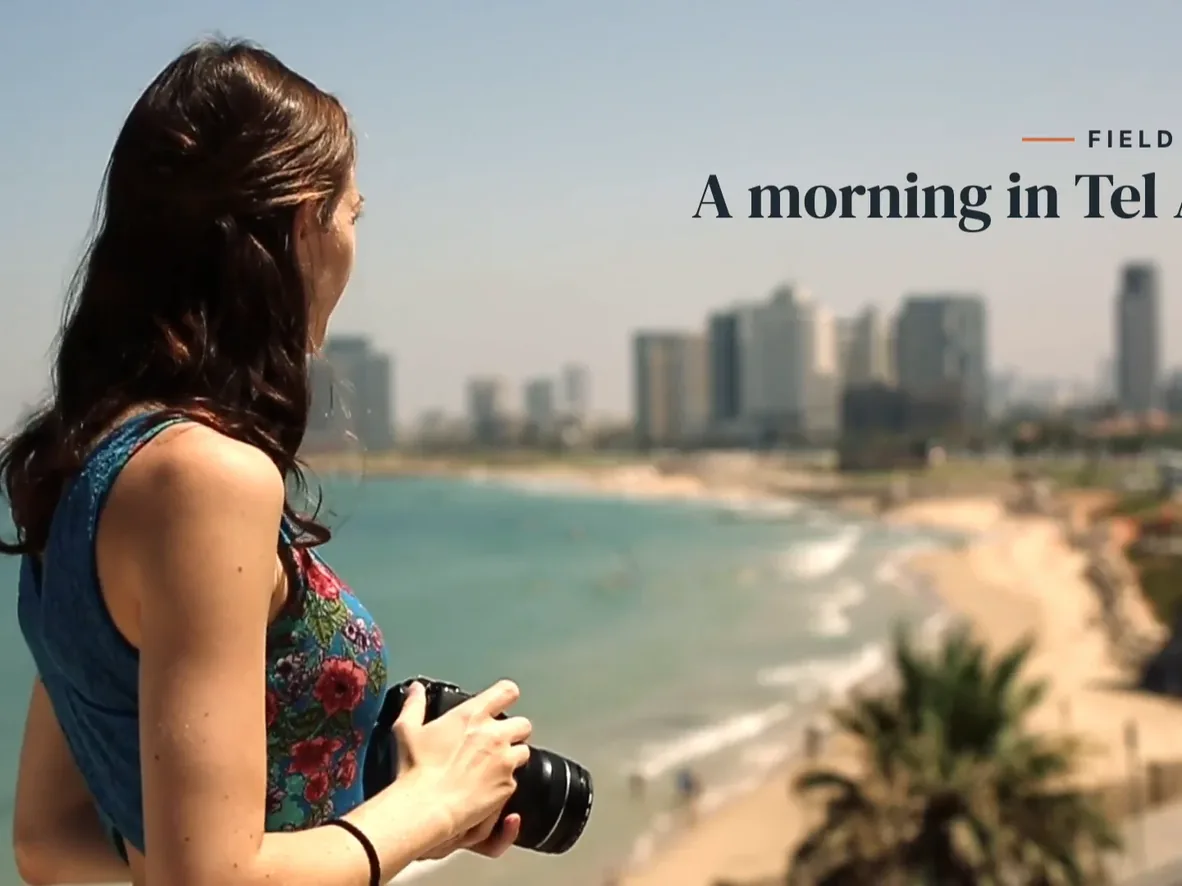
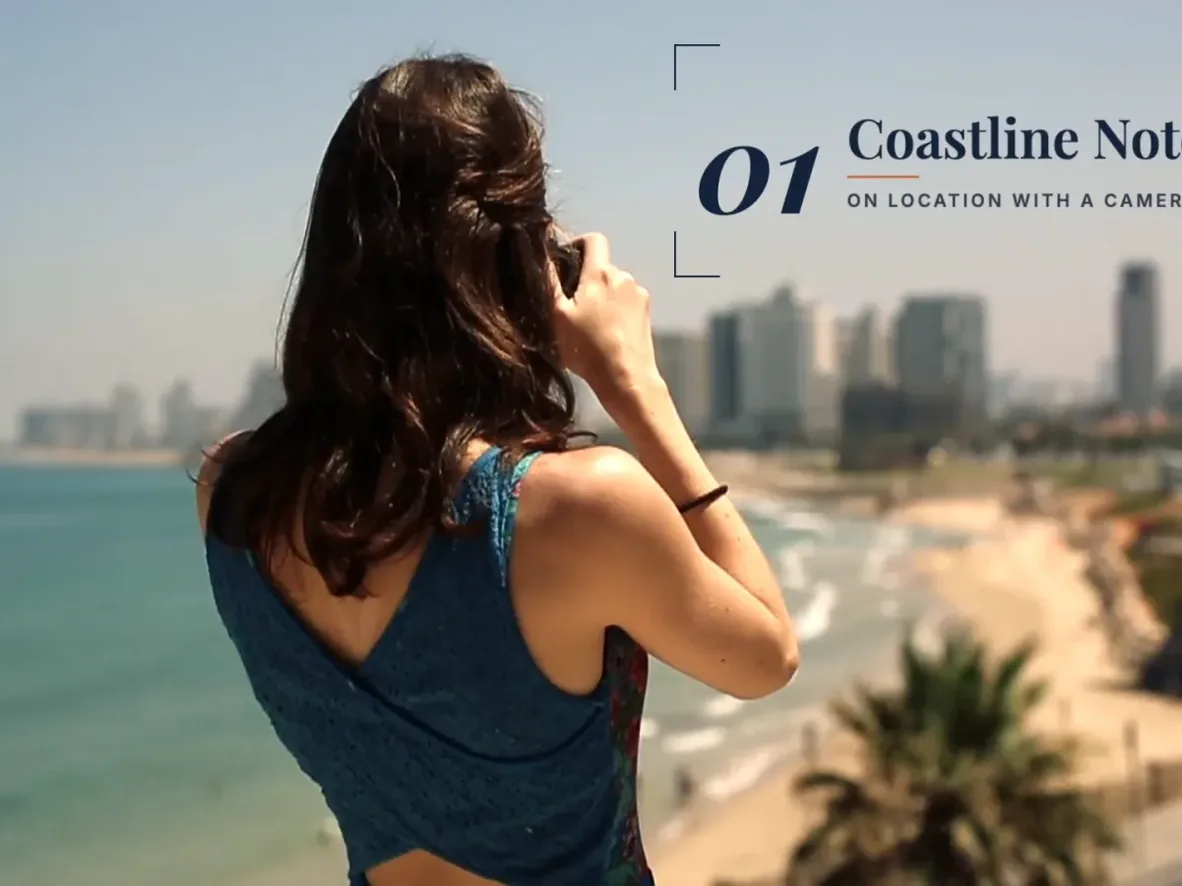
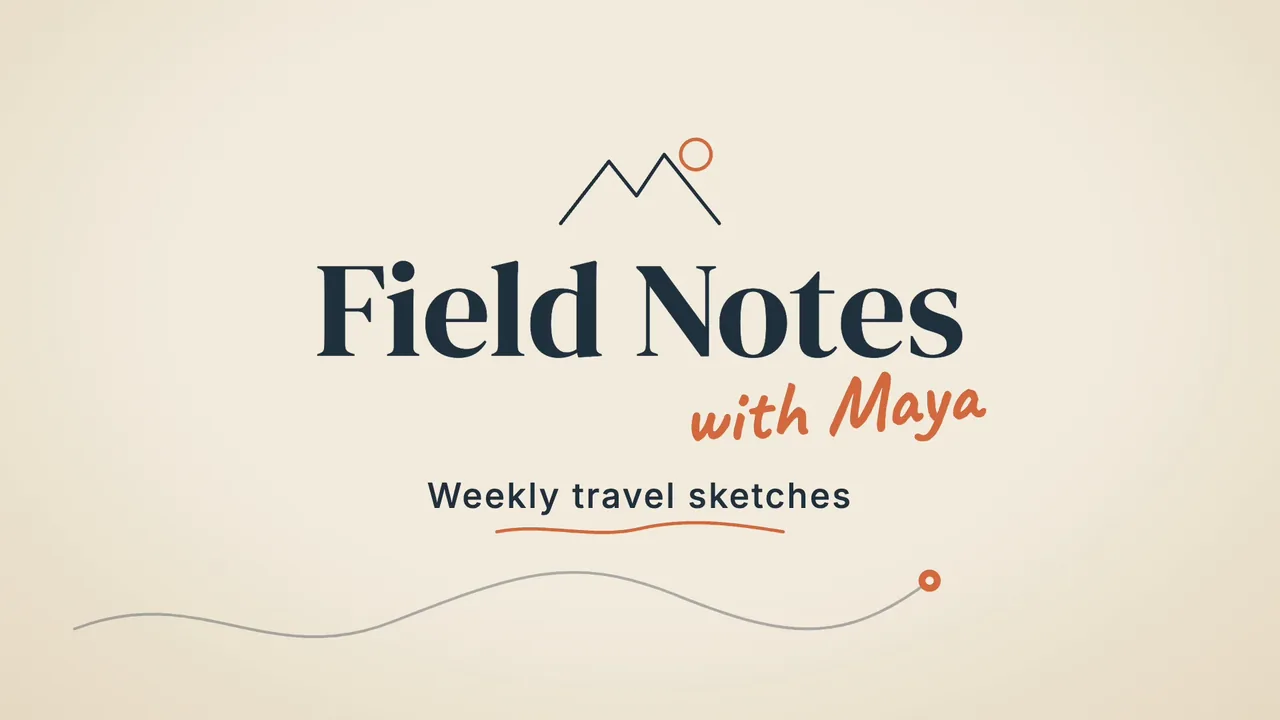
We made a six-second opener for a fictional travel channel. Claude Code, the external agent driving ChatCut Desktop, wrote the motion graphic and placed it on the timeline. It drew the map route and animated the lettering in code. We used no AI image, video or audio generation.
The two words in “Field Notes” rise into view one after the other as a route traces across the paper-colored background. The handwritten “with Maya” appears next. “Weekly travel sketches” comes in last, with an orange underline.
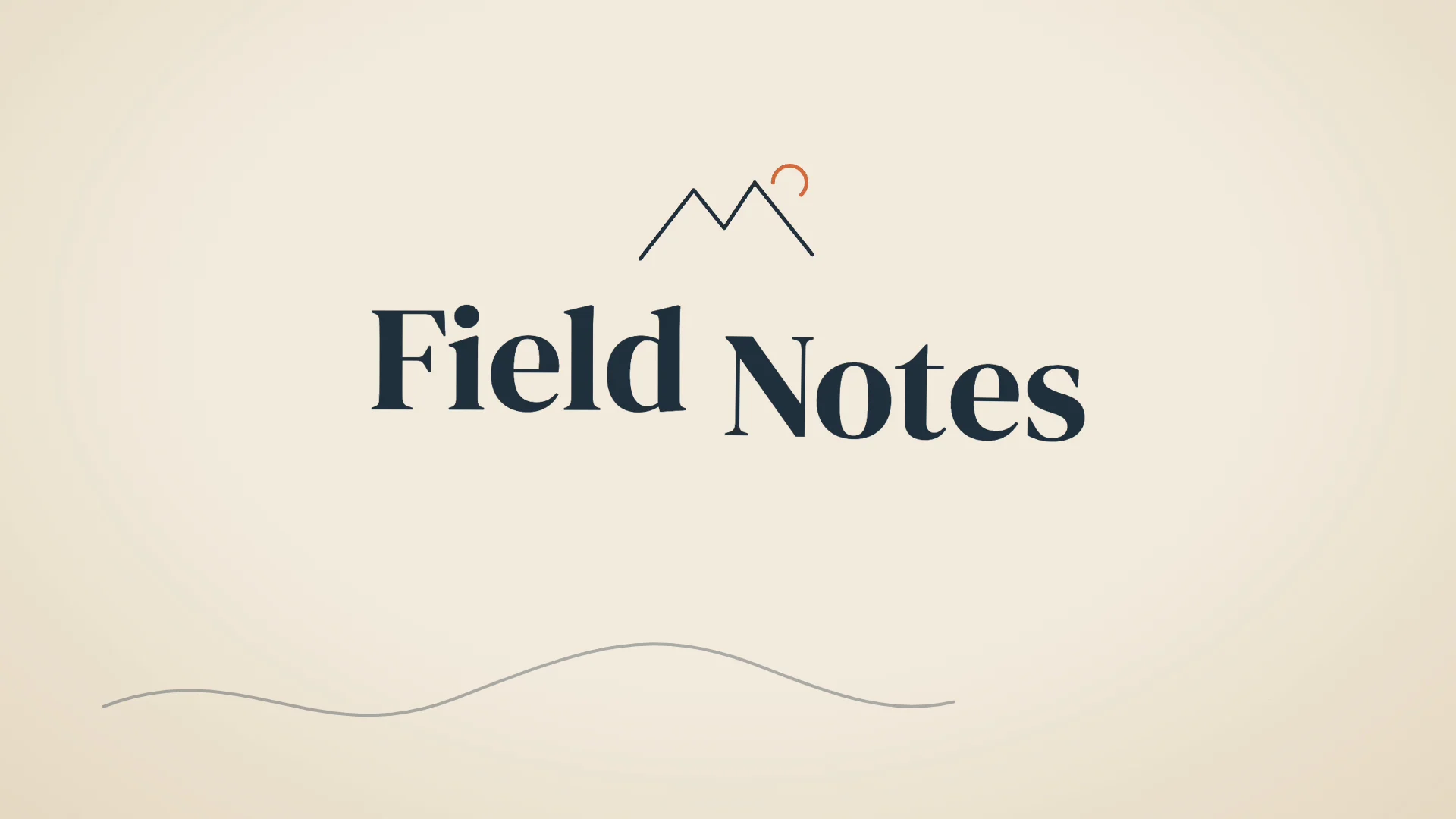
After checking eight preview frames, we found the subtitle too small. Claude Code increased it from 40 px to 50 px in the linked graphic. The Desktop preview refreshed, and we checked the final frame before rendering locally. The title, byline, subtitle and colors remain editable in the project.
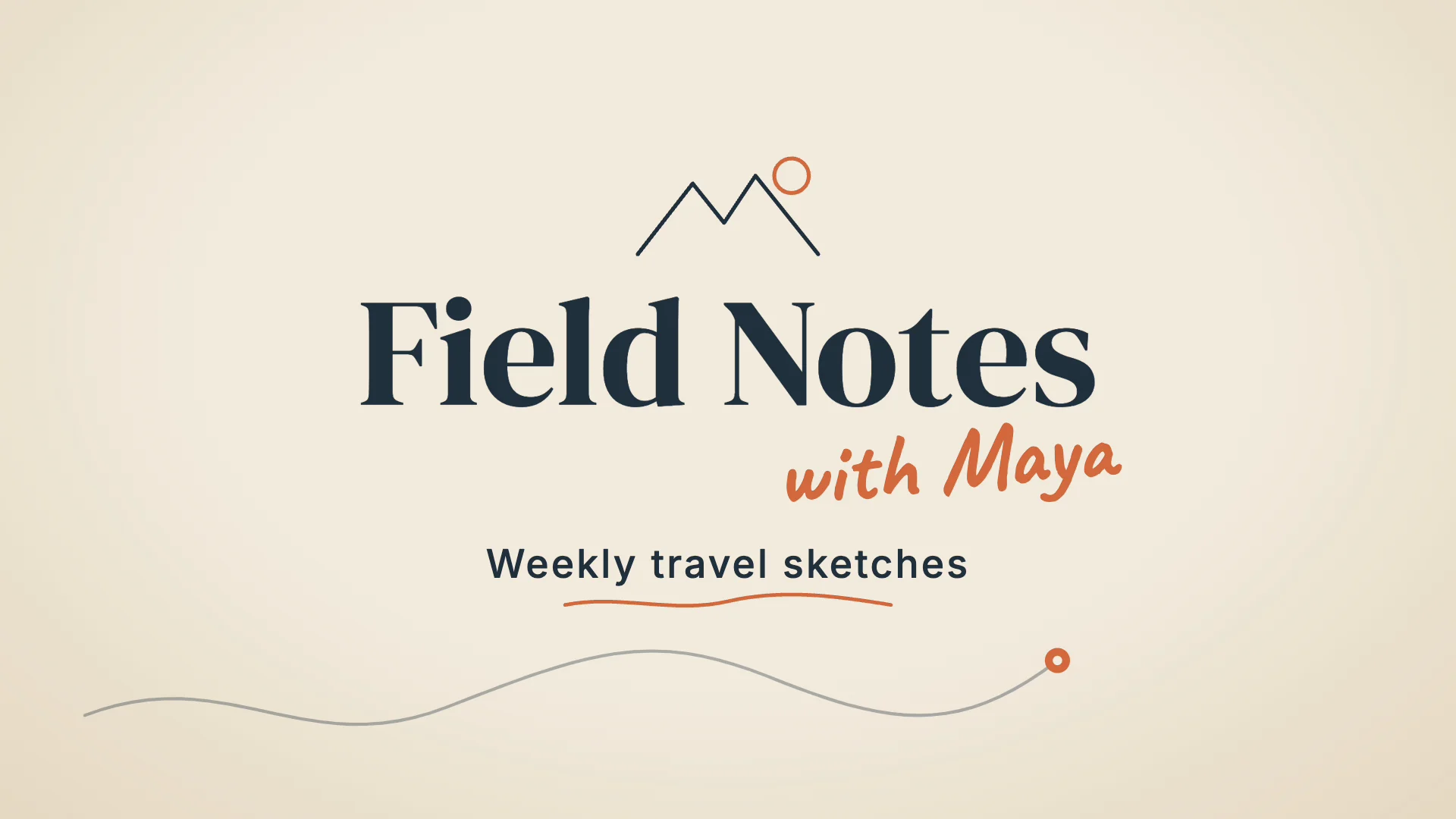
The local H.264 export was 1920 × 1080 in SDR at 30 fps. This intro used 0 ChatCut credits. Project billing recorded zero spending on both conversation and generation. If you send the example through ChatCut’s web editor, the built-in Agent’s message charges apply.
Desktop supports macOS 13 or newer on Apple silicon or Intel, and Windows 10 or newer on x64. Linux has no ChatCut Desktop app. Desktop requirements
For a free local edit, use your own media. Uploads, manual editing, transcription, caption editing and local exports use no credits. Free exports have no ChatCut watermark. Rendering in a compatible browser or in Desktop leaves the account’s cumulative free cloud allowance untouched. Cloud video goes up to 1080p. Beyond that allowance, a manual web export shows any charge or upgrade requirement before you start. An agent-submitted cloud export can spend credits without a second confirmation. Local 4K depends on the device and plan. Free and paid plans and web and desktop export limits
For agent-written titles, connect Claude Code or Codex to ChatCut Desktop. If the agent writes the graphic and edits your uploaded footage, its reasoning runs against your agent subscription or API allowance. ChatCut-hosted generation uses ChatCut credits. If you ask the built-in ChatCut Agent to write a graphic, its messages use credits even when you provide every asset. Hosted AI video and image generation and transparent ProRes 4444 graphics export require a paid plan. Paid plans start at US$25 per month for 100 credits, or US$252 billed annually. Agent setup, credit rules and plan details


-
 Codex
-
 Claude Code
-
 Antigravity
-
 Hermes Agent
- + any MCP client
In Desktop, choose Export → Video for a local video. A separate transparent overlay for another editor uses Export → Graphics and requires a paid plan. Video export and transparent graphics export
For a software channel, the Simple App Promo Skill is another design reference. Its preview uses a sample brand. The Skill takes a product website and adapts the style using the site’s branding and copy. Its documented output is an editable app promo. Running it with the built-in Agent uses credits. App promo guide
Desktop tools for custom animation
DaVinci Resolve for node-based titles
Fusion is part of the free DaVinci Resolve editor. Its node graph connects text, effects and a final output, so you can revise the lettering without rebuilding the clip underneath. The Fusion page also documents spline controls for timing, particle systems and 3D cameras. Blackmagic Design’s Fusion overview
Watch the preview when you try an effect. Blackmagic Design’s beginner’s guide says that Studio-only effects display a watermark in the free version. Remove or replace the effect if you need a clean free render. Studio also adds the DaVinci AI Neural Engine and additional Resolve FX and Fairlight FX. Resolve edition comparison and Blackmagic Design’s beginner’s guide
Cavalry for procedural 2D motion
Cavalry is useful when one rule should animate many shapes, such as a row of bars that rises behind your channel name. Canva makes the standalone animation app available across its account plans on macOS and Windows. Download the app and sign in with Canva. For a managed team account, an administrator can control access. Canva’s Cavalry access guide
Blender for a custom 3D gaming intro
If you want lettering with depth, Blender’s text objects can be extruded into 3D shapes. A gaming channel could put its name in the scene and move a camera past the letters. Budget time for arranging and lighting the shot. Blender’s text object manual and camera path controls
Blender is free software under the GNU General Public License. The Foundation explicitly permits commercial use, including selling work you create. If you use someone else’s font, model or music, check that asset’s terms separately. Blender Foundation license
After Effects for an existing project
An After Effects project may be worth opening in the original app if you need to change its typography or animation. Adobe’s US offer gives you the full app for seven days. Billing starts on day eight unless you cancel before the trial ends. If the channel name changes frequently, factor future revisions into your choice. Adobe After Effects trial terms
Check the opener before publishing
- Set the frame size for the episode. For a horizontal YouTube video, 16:9 at 1920 × 1080 or 3840 × 2160 matches the platform’s recommended dimensions. MP4 with H.264 video and AAC-LC audio is one recommended encoding combination. YouTube aspect ratios and upload settings
- Check the music license. YouTube Studio’s Audio Library has royalty-free music and sound effects. If you select a Creative Commons track that requires attribution, copy its credit into the video description. YouTube Audio Library help
- Watch the actual file. Look for watermarks on stock footage, effects and graphics. Listen to the handoff between the music and your voice. If you want a clickable subscribe element, YouTube end screens go in the final 5–20 seconds of an eligible video at least 25 seconds long. YouTube’s end screen rules
For more on the design itself, see how to make motion graphics. If your opener needs to lead into a software walkthrough, see how to make a product demo video.