Choose Tella if you want to edit a screen recording and send a link that shows how many people watched. For a free hosted walkthrough up to 15 minutes, choose ScreenPal. If you need a local file on Linux, choose OBS Studio. For product demos, the decision is what your audience should do next: watch a polished Mac recording in Screen Studio or click through the steps themselves in Arcade.
ChatCut makes one of the tools on this list. Our recommendations are based on official docs and pricing checked on November 19, 2026.
Key takeaways
- Loom’s free Starter plan allows 25 videos per person (archived ones count), 5-minute recordings at up to 720p, and no downloads. That’s usually why people look for Loom alternatives.
- Tella and Screen Studio have no permanent free plan. Tella offers a 7-day trial; Screen Studio lets you record and edit but not export until you pay.
- The most generous free tiers for recording are ScreenPal (15-minute recordings, no watermark) and OBS Studio (free and open source, no hosting).
- Switching costs you some sharing features. Check where viewers will watch, whether they can comment, and whether you’ll see who watched before you move a team.
- If you’re comparing general recorders rather than Loom replacements, see our best screen recording software guide.
Loom alternatives at a glance
| Tool | Best for | Platforms | Free version | Paid from | Learning curve |
|---|---|---|---|---|---|
| Loom (for reference) | Quick async video messages | Mac, Windows, Chrome, iOS, Android | 25 videos per person, 5-minute recordings, 720p, no downloads | $18/user/month | Easy |
| Tella | Record, edit and share with viewer stats | Mac, Windows, Chrome, web | No free plan; 7-day trial | $13/user/month, billed annually | Easy |
| Zight | Low-cost quick messages, screenshots, GIFs | Mac, Windows, Chrome, iOS, Android | 5-minute recordings at up to 720p; no analytics | $9.95/user/month, billed annually | Easy |
| Vidyard | Sales videos and follow-ups | Chrome, Edge, Mac, Windows; mobile records camera only | 5 videos a month, up to 30 minutes each; no analytics | $59/seat/month, billed annually | Easy |
| Screen Studio | Polished demos on a Mac | macOS only | No free plan; can’t export without one | $9/month, billed yearly | Moderate |
| Arcade | Interactive click-through demos | Chrome, Mac, Windows, Figma | 1 published demo, watermarked, no GIF or MP4 export | $42.50/seat/month, billed yearly | Moderate |
| ChatCut | Demos you don’t want to record yourself | Mac, Windows; web editor for your own recordings | Core editor, transcription and local export; cloud allowance limited | $25/month | Moderate |
| Descript | Editing by transcript | Mac, Windows, browser | 1 media hour a month, 720p export with a watermark | $16/month, billed annually | Moderate |
| Camtasia | Training videos | Windows, Mac | Full editor; exports are watermarked | $39/year Starter (watermarked); $179.88/year Essentials | Steep |
| ScreenPal | Budget recording and quick edits | Windows, Mac, iOS, Android, Chromebook | 15-minute recordings, no watermark | $3/month annual promotional offer; $4 regular | Easy |
| OBS Studio | Free local recording and streaming | Windows, Mac, Linux | Free and open source; no hosting | Free | Steep |
Prices are in USD. An annual rate in the table is the monthly equivalent of paying for the year up front.
What Loom’s free plan includes in 2026
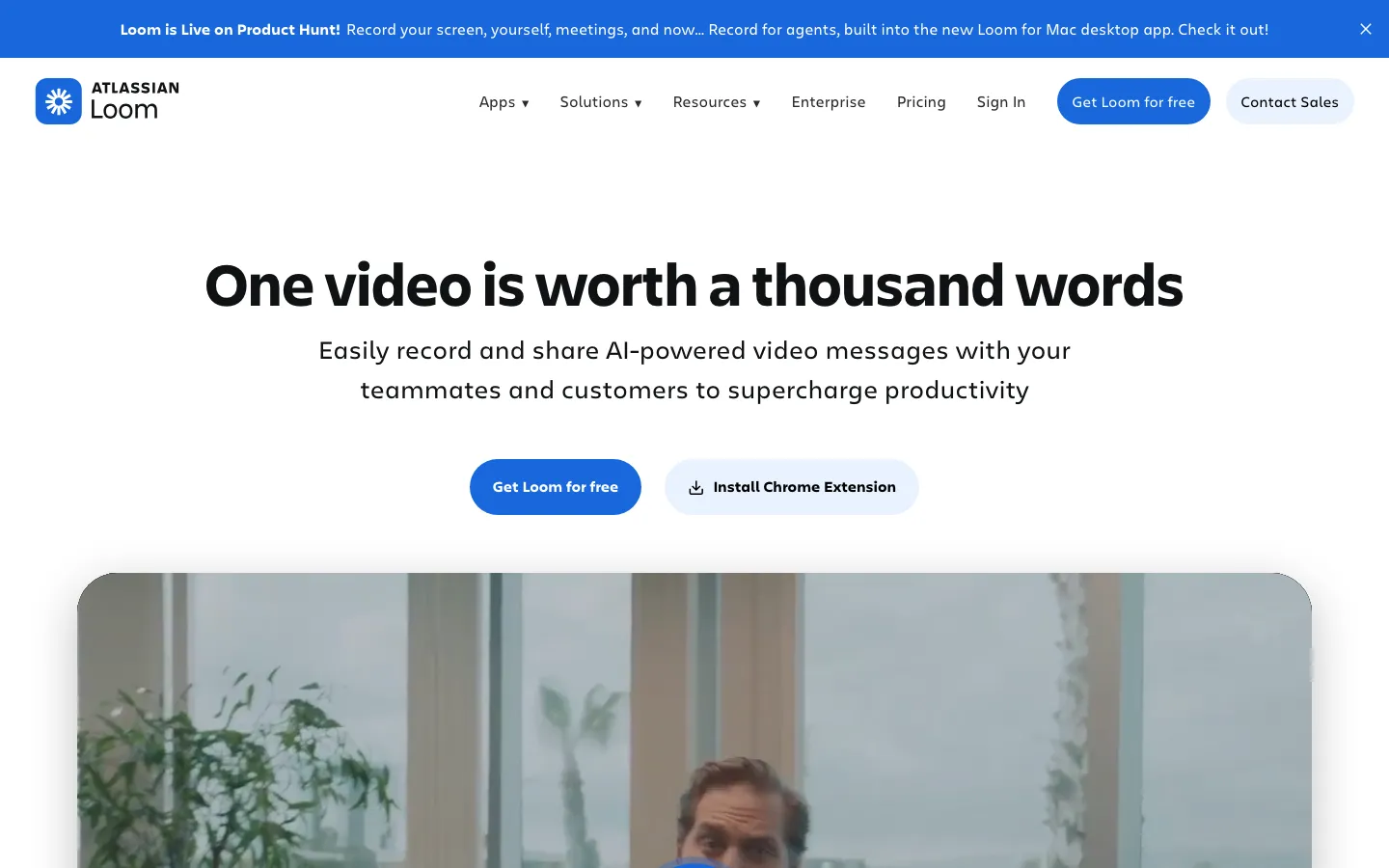
Loom lets you record a screen-and-camera message and paste a link into Slack. Before moving that workflow, check which Starter limit you actually hit:
- 25 videos per person, and archived videos still count toward the cap (Starter plan FAQ).
- 5-minute recordings on Starter; paid plans remove the limit (How long can I record?).
- Up to 720p on Starter; paid plans go up to 4K (recording in HD).
- No downloads for Starter creators (download your Loom video).
- A 10-member cap for free workspaces integrated with Atlassian, which includes accounts created after February 2026 (Starter plan FAQ).
The free plan does include comments, emoji reactions and viewer insights. Loom Business is $18 per user per month and removes the video and length limits; Loom’s AI features (titles, summaries, chapters, filler-word and silence removal) sit in Business + AI at $24 per user per month.
How we chose and tested
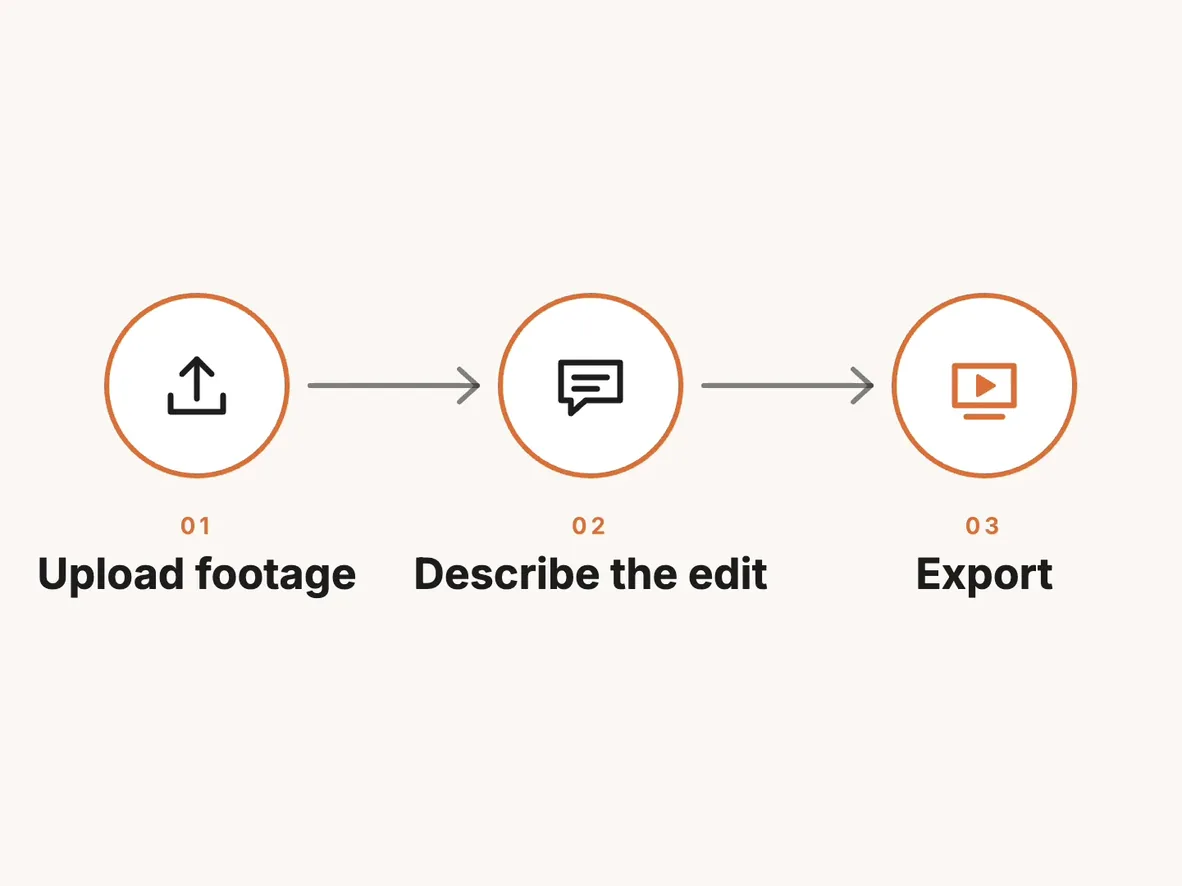
We followed one example through the documentation: a support lead shows a colleague how to invite a teammate. Can the lead record on the computer they already use? Can they cut the pause while the invitation loads? Does the colleague receive a file, a page where they can ask a question, or a demo they can click through? The last step separates tools that look similar on a feature list.
We checked the plan that includes each feature and distinguished monthly charges from monthly equivalents on annual plans. The screenshots and the invite walkthrough below are from November 18. We did not run a new side-by-side recording or export test.
The 10 best Loom alternatives
1. Tella: best all-round Loom replacement
Tella records your screen and camera, edits the take with AI, and shares it as a hosted page. It has native recorders for macOS and Windows, a Chrome extension and a browser recorder.
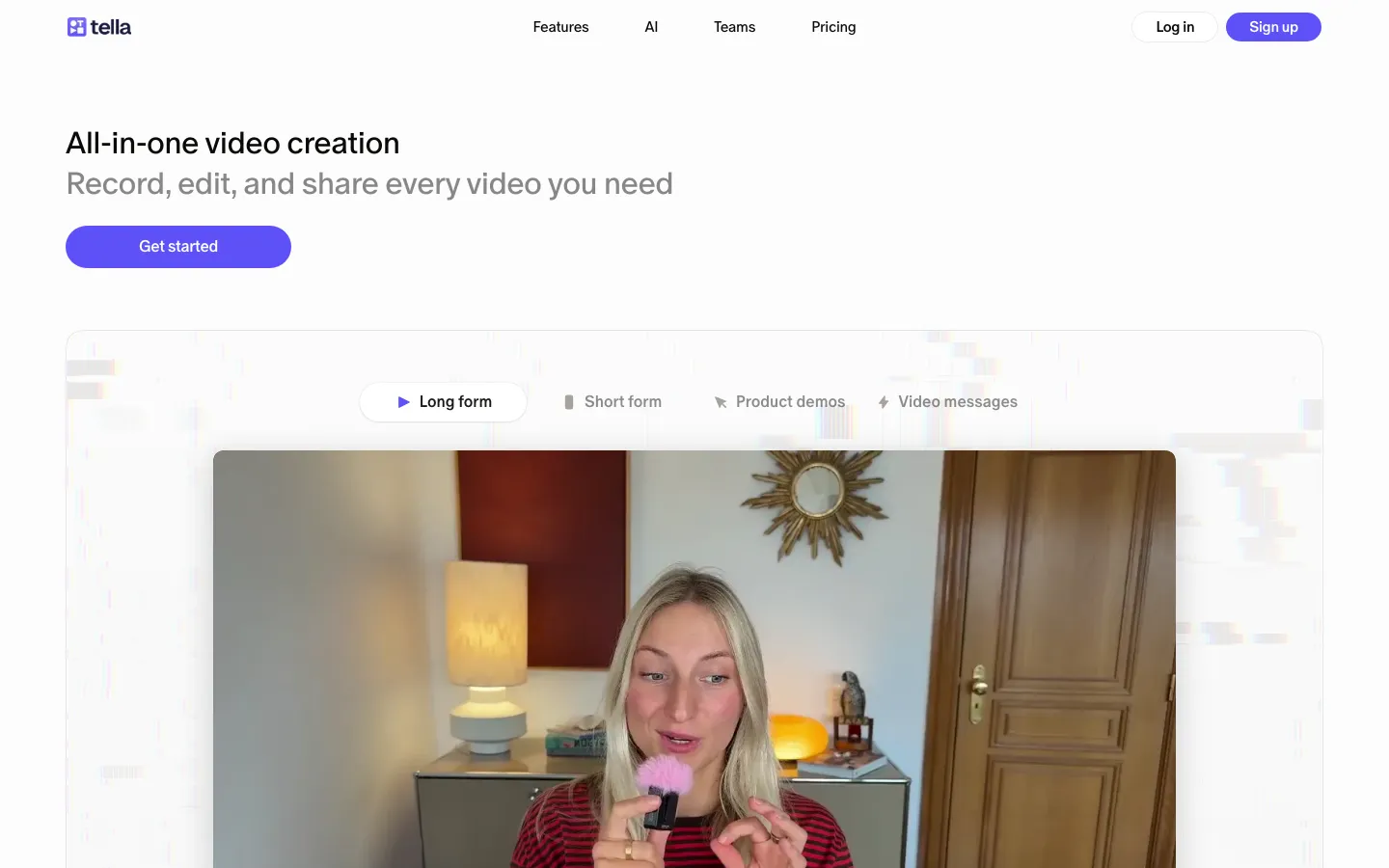
Best for: teams that want Loom’s record-and-send speed plus a more finished result.
What stands out
- Editing features include silence and filler-word removal, Auto Layouts and Auto Zoom (pricing).
- Share pages support comments and reactions, and Pro analytics show total views, unique viewers and watch time.
- Pro exports in 4K.
Limits
- There’s no forever-free plan, only a 7-day Pro trial with no card required; trial exports are HD at 30 fps and clips are capped at 2 hours (plans).
- Removing Tella branding from video pages needs Premium.
Pricing: Pro is $13 per user per month billed annually ($26 monthly); Premium is $19 billed annually ($39 monthly).
Skip it if you need a free plan you can stay on indefinitely.
2. Zight: best low-cost swap for quick messages
Zight, formerly CloudApp, combines screen recording, annotated screenshots, GIFs and request links in one app, shared instantly as a link. It runs on Mac, Windows, Chrome, iOS and Android.
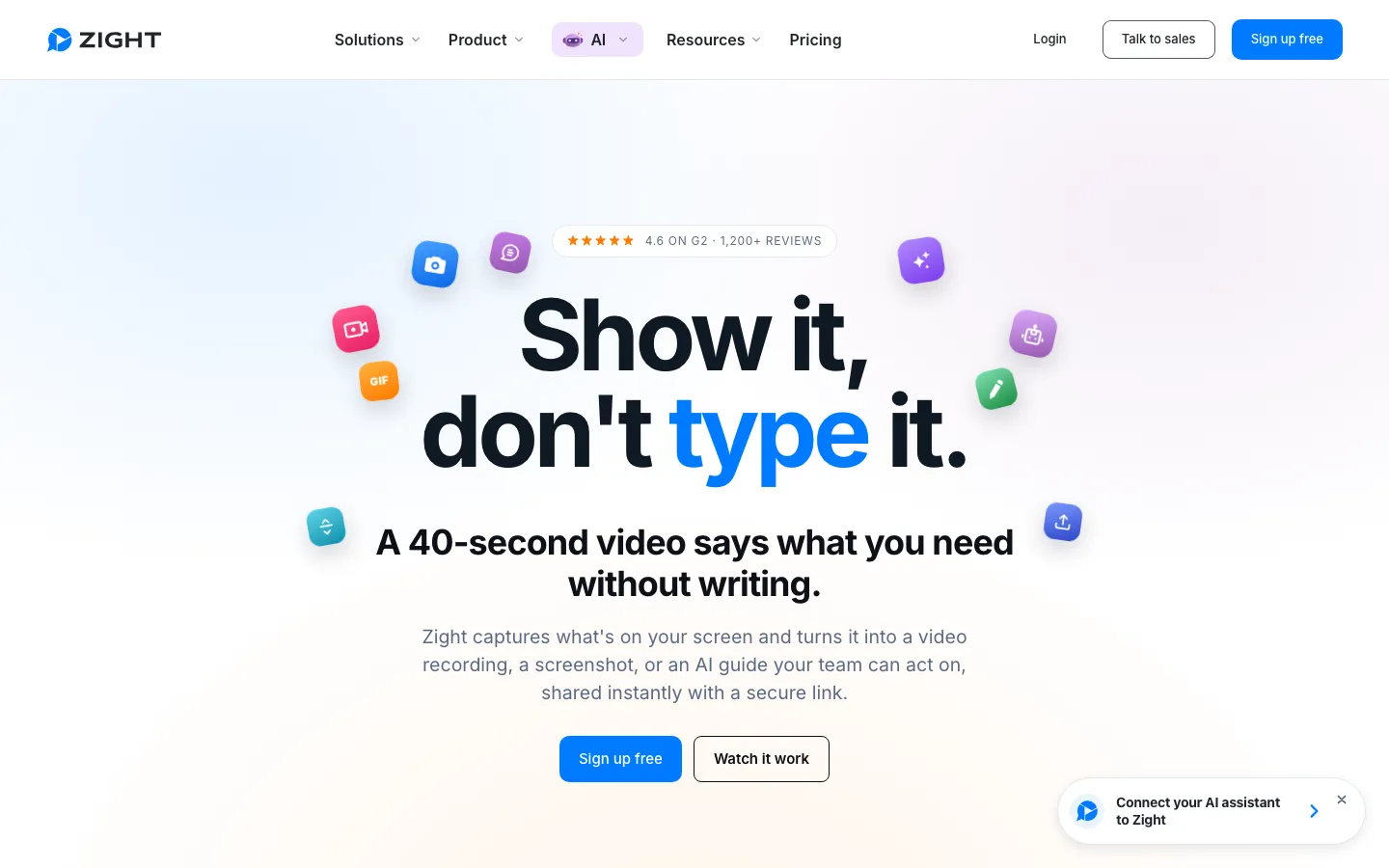
Best for: support and product teams who mix short videos with screenshots and GIFs.
What stands out
- Screenshots with annotation and a GIF maker sit next to the recorder, so one tool covers most “show me” requests.
- The free plan needs no card: recordings up to 5 minutes at up to 720p, 15-second GIFs and 5 video requests a month (Zight for Chrome).
Limits
- The free plan has no view analytics; basic view counts start on Create (pricing).
- Free recordings stop at 5 minutes, the same cap as Loom Starter.
Pricing: Create is $9.95 per user per month billed annually; Collaborate is $12 billed annually or $15 monthly.
Skip it if your main reason to leave Loom is the 5-minute cap and you won’t pay.
3. Vidyard: best for sales videos
Vidyard is a video platform for revenue teams: record personal videos, send them to prospects and, on paid plans, track how they engaged. Check the Teams plan if CRM integration is part of your sales process.
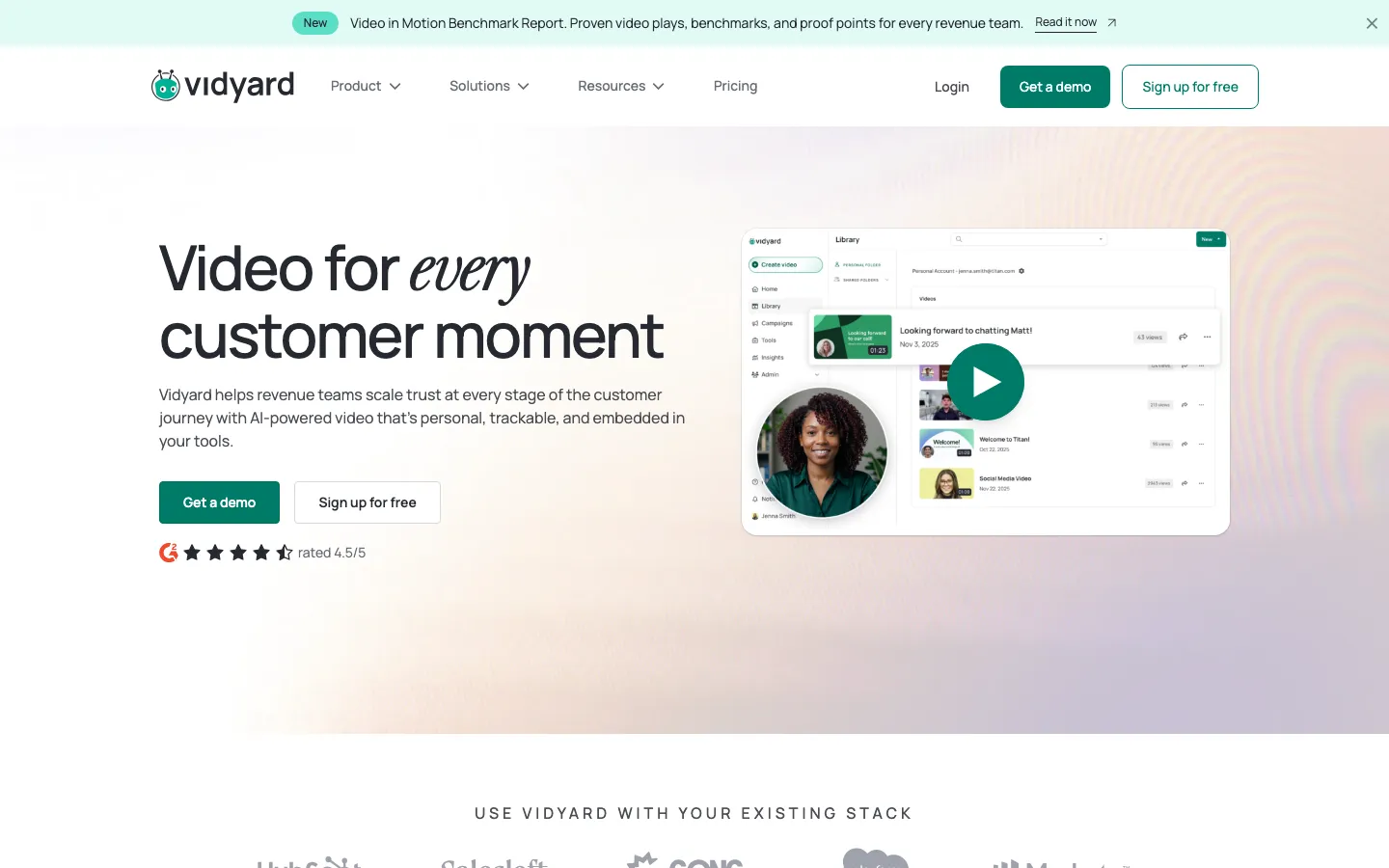
Best for: sales and customer success teams who send video to people outside the company.
What stands out
- The free plan records 5 videos a month of up to 30 minutes each, with no card required (free recording limits).
- The desktop app for Mac and Windows records up to 4K; the Chrome and Edge extension tops out at 1080p (recording tools).
Limits
- Analytics, the main reason to pick Vidyard, aren’t on the free plan; full video analytics start on Starter.
- The iOS and Android apps record the camera only, not the screen.
Pricing: Vidyard Starter is $59 per seat per month billed annually, or $89 monthly, with a 14-day trial.
Skip it if your videos are internal updates; the price is set for sales teams.
4. Screen Studio: best for polished demos you record on a Mac
Screen Studio is a Mac screen recorder that handles zooms, motion, sound and framing for you, so demos look edited by default.
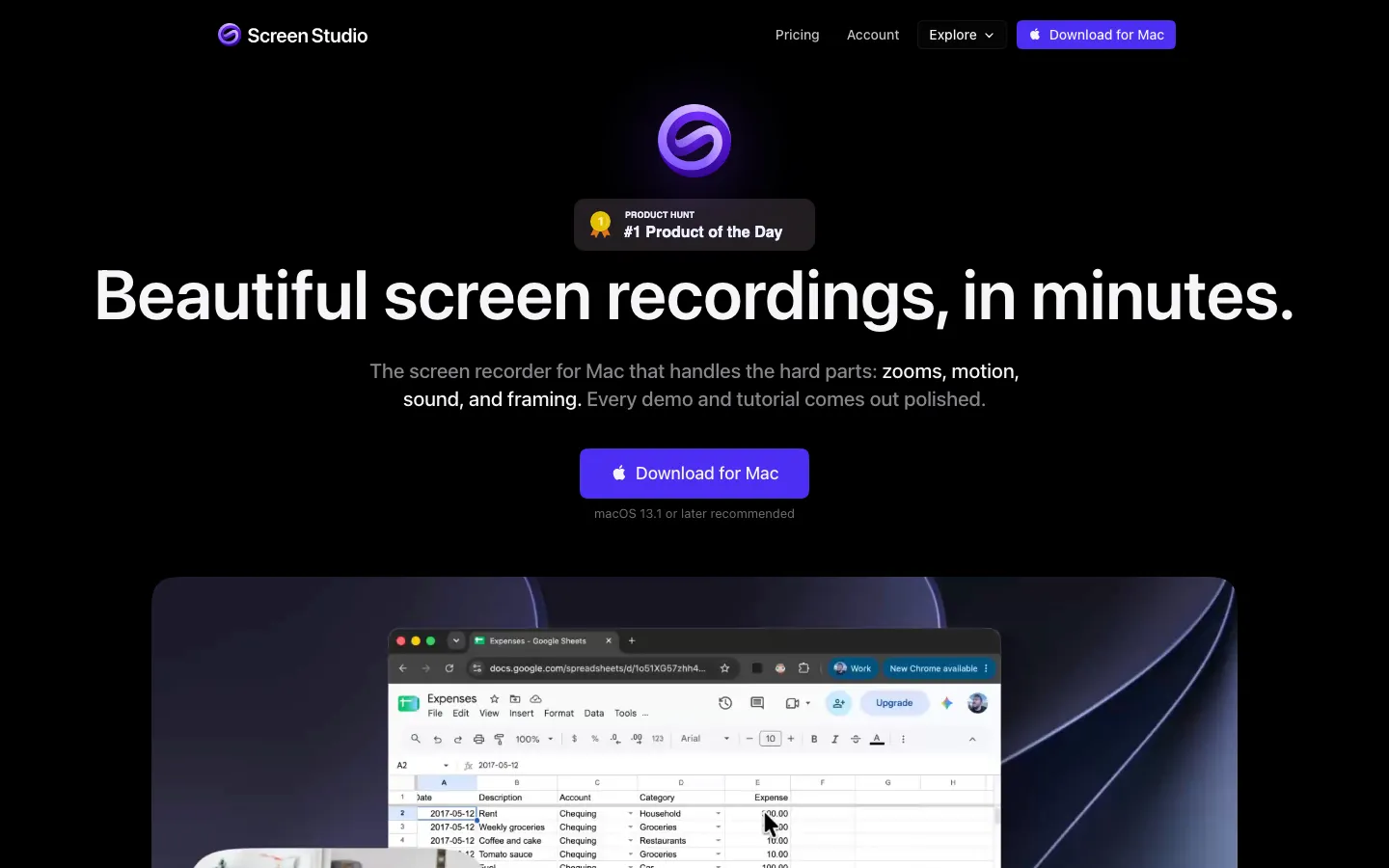
Best for: founders and product marketers recording launch videos and feature demos on a Mac.
What stands out
- Share links play at 1080p and 60 fps for videos up to 30 minutes, and viewers can comment on the exact second (homepage).
- MP4 exports go up to 4K at 60 fps.
Limits
- It’s macOS only; the site says there are no near-future plans for Windows.
- There’s no free plan. Without a plan you can record and edit but can’t export (download page).
Pricing: $9 per month billed yearly, or $29 billed monthly (pricing).
Skip it if your team is on Windows. For a Screen Studio alternative there, look at Tella’s Windows recorder or Camtasia.
5. Arcade: best for interactive click-through demos
Arcade captures your product as an interactive demo that viewers click through at their own pace, instead of a video they watch.
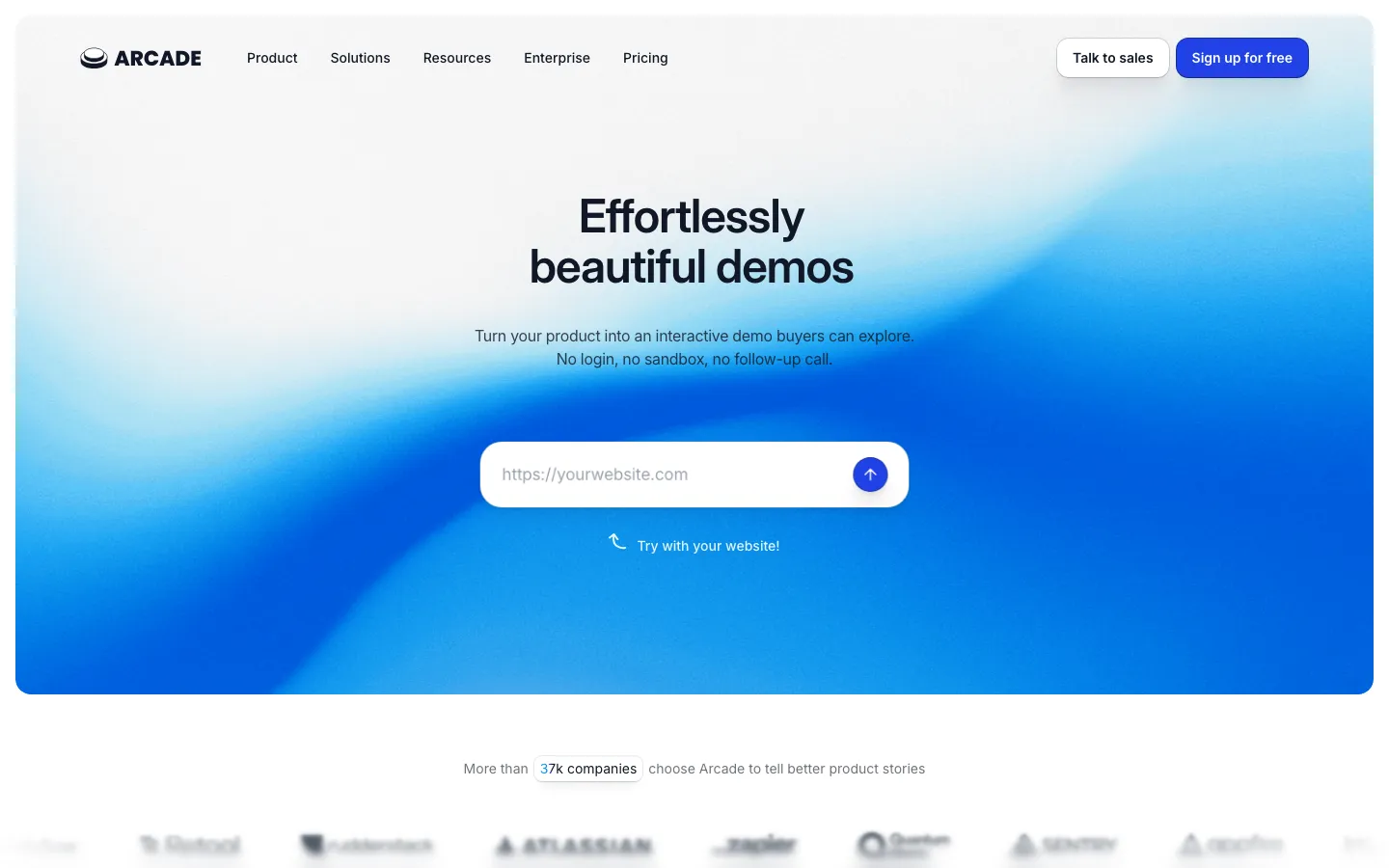
Best for: marketing teams embedding demos on product pages and in emails.
What stands out
- Capture with a Chrome extension, a desktop app for Mac and Windows, or a Figma plugin (pricing).
- Its pricing page lists branching, call-to-action buttons and forms among the demo features.
Limits
- The free plan allows one published demo and one user; removing the watermark, exporting to GIF or MP4, and basic insights need Growth.
- It’s a different format from Loom: great for “try it yourself”, less so for a quick personal update.
Pricing: Growth is $42.50 per seat per month billed yearly, or $50 monthly.
Skip it if you need talking-head messages or long walkthrough videos.
6. ChatCut: best for product demos you don’t want to record yourself
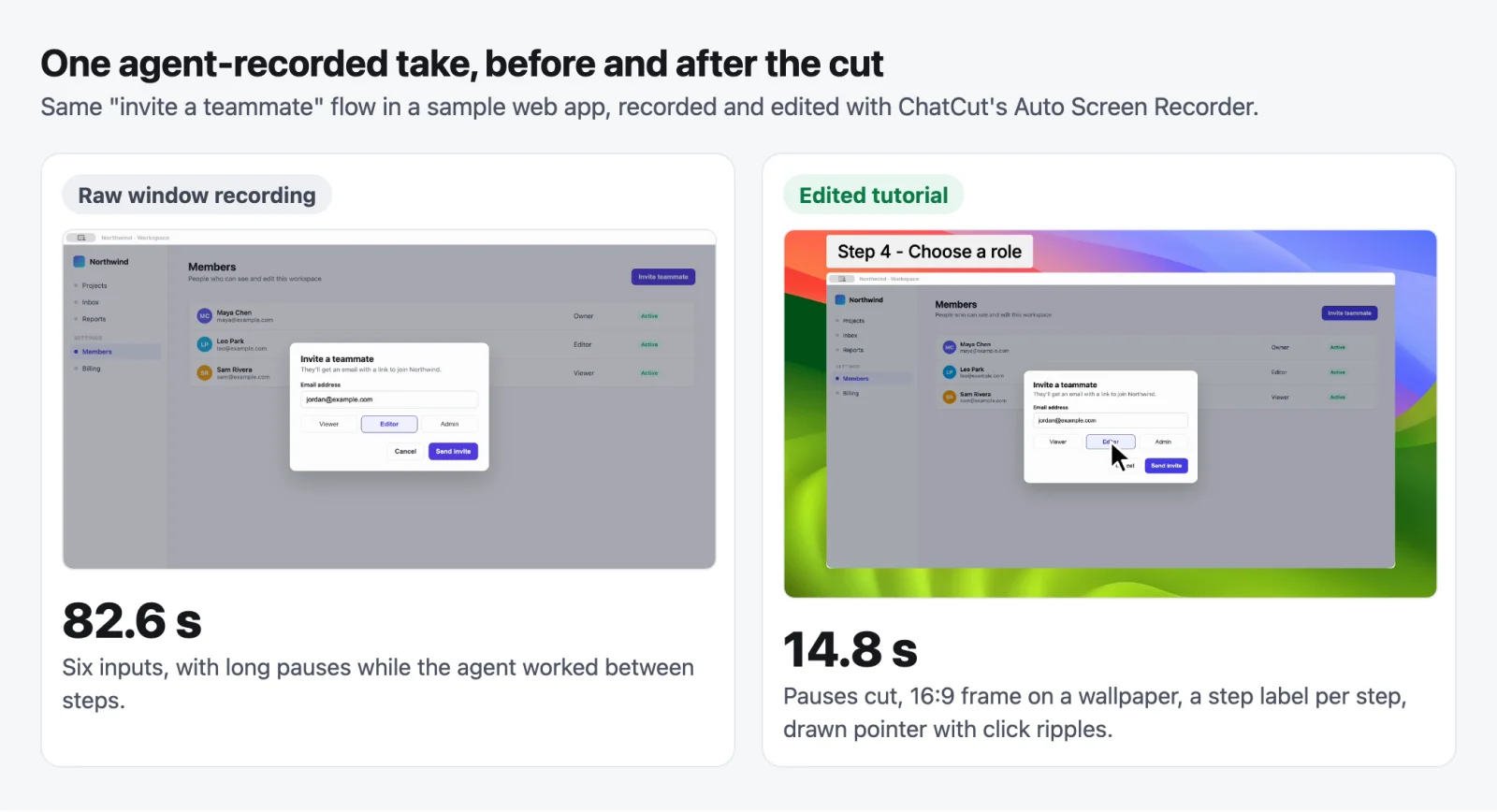
The example below follows an invitation from the Members page to the moment the new teammate appears as pending. Claude Code operated a sample app with fictional accounts while the desktop recorder captured the window.
Best for: support writers who need to update an onboarding video when a menu moves or a button changes.
What stands out
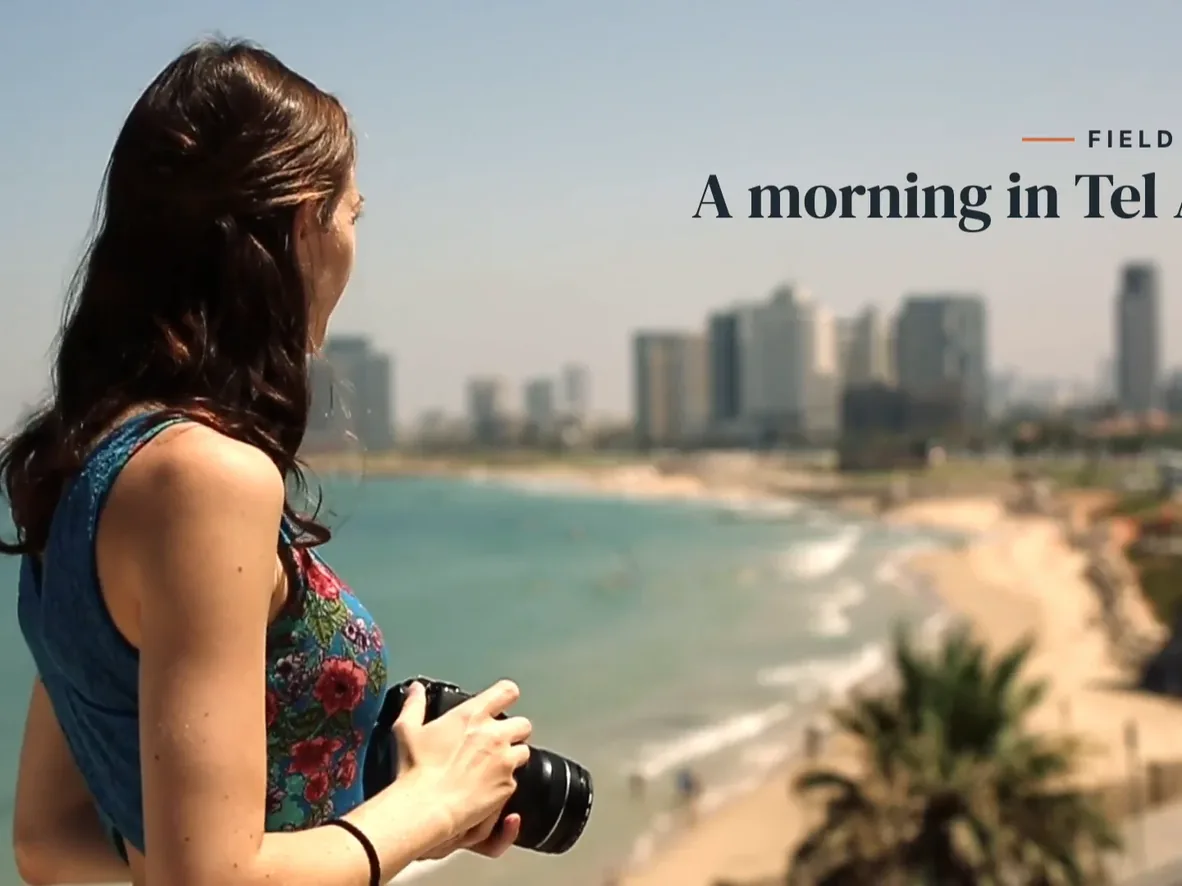
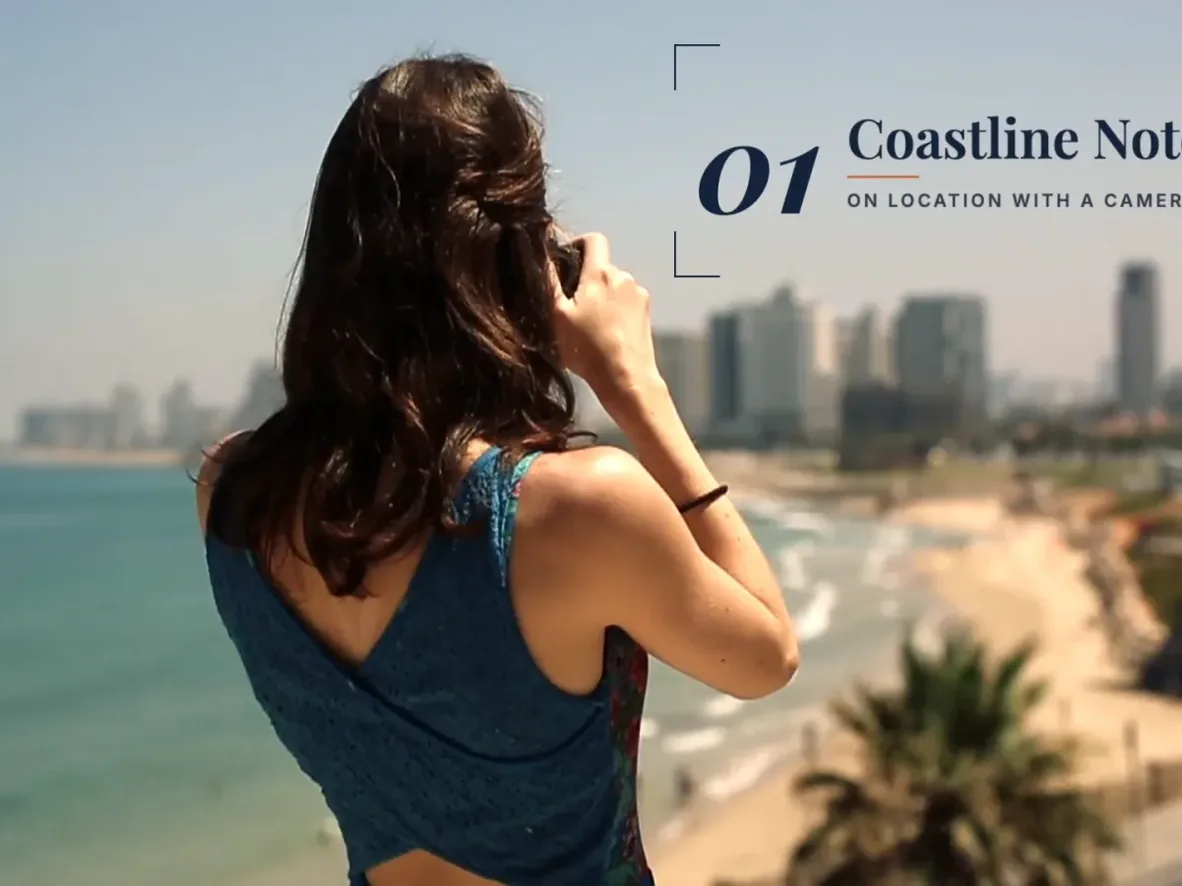
- The 82.6-second source take became a 14.8-second tutorial. The cut keeps the role selection and the confirmation visible, so viewers can check both what to click and how to tell it worked.
- You can bring an existing recording into the web editor, adjust the timeline by hand, and export locally. The Auto Screen Recorder guide covers the desktop capture workflow.
Limits
- Desktop requires macOS 13 or newer or Windows 10 or newer on x64. A Linux team can edit uploaded footage in a desktop browser. Both the web editor and Desktop need an internet connection.
- Local export is included. Cloud export has a limited free allowance, and further exports can require an upgrade or credits. See free and paid plans.
Pricing: The free plan includes manual editing, transcription and local export. Paid plans start at $25 per month for 100 credits, or $252 per year. Pricing.
Skip it if your main reason to record is to track a prospect’s viewing history. The example demonstrates the edit. For sales follow-up, check Vidyard’s analytics instead.
7. Descript: best for editing a recording by its transcript
Descript records your screen and camera, transcribes the take, and lets you edit the video by editing its text. You can publish a link with an embedded player.
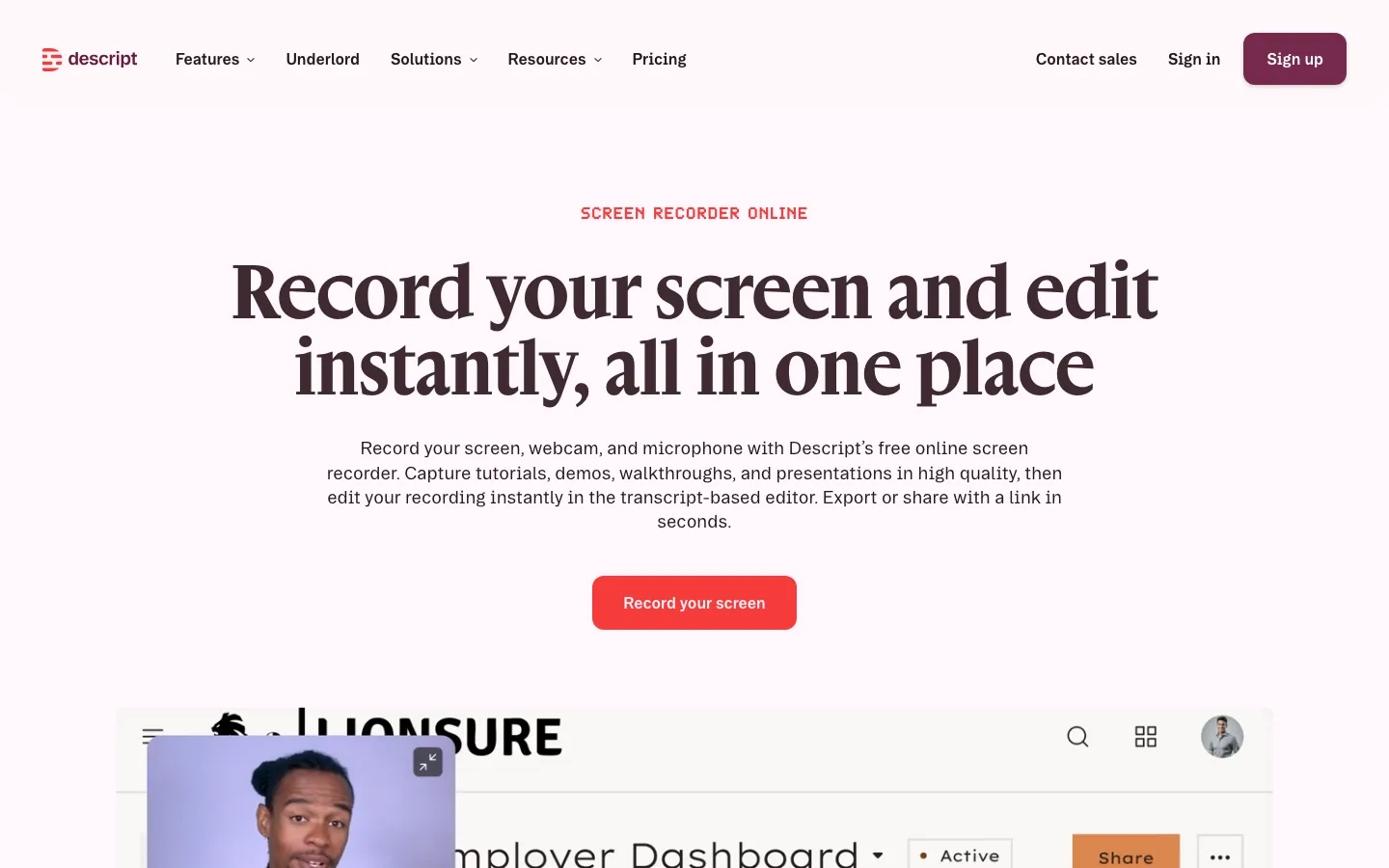
Best for: people who talk through tutorials and want to cut retakes and filler words fast.
What stands out
- Tools such as Remove Filler Words, Remove Retakes and Studio Sound, plus Underlord, Descript’s AI assistant.
- Desktop apps for macOS 14+ and Windows 11+, and browser recording (download).
Limits
- The free plan includes 1 media hour a month and 100 one-time AI credits, and exports at 720p with a watermark (pricing). The screen-recording FAQ says exports are watermark-free, so check the pricing page for your plan.
- It’s slower than a pure record-and-send tool for a 30-second update.
Pricing: Hobbyist is $16 per person per month billed annually ($24 monthly), with 1080p watermark-free exports.
Skip it if you rarely edit after recording.
8. Camtasia: best for training videos
Camtasia from TechSmith is a desktop recorder and full timeline editor built for tutorials and training.
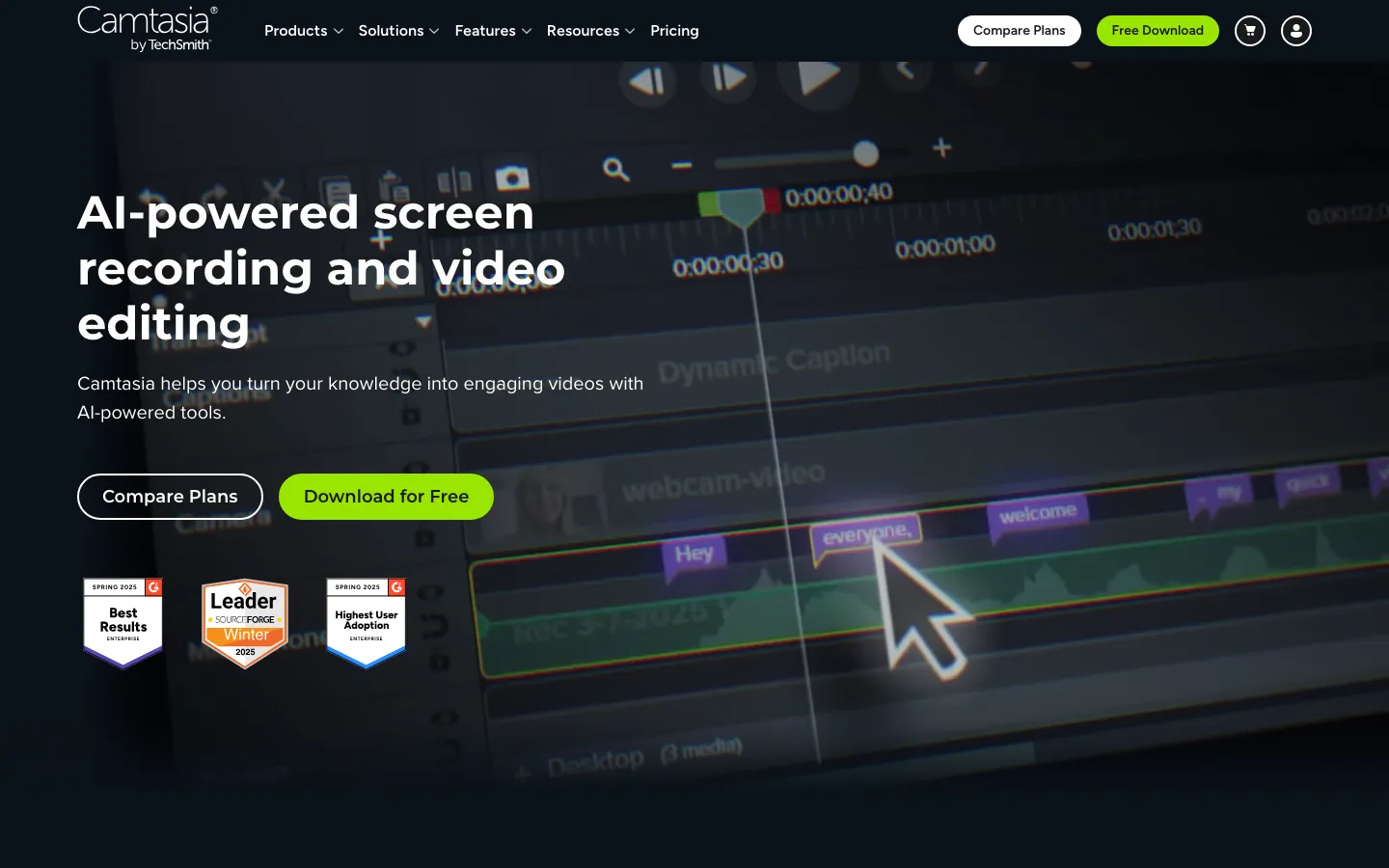
Best for: instructional designers and trainers producing longer, carefully edited lessons.
What stands out
- You can use the full editor for free, and TechSmith offers Camtasia Assets, a premium library of motion graphics, music and templates.
- TechSmith’s Screencast hosting allowance covers 25 videos on Free. Pro removes the video-count limit.
Limits
- Free and Starter exports carry a watermark. Essentials is the first individual plan that removes it.
- Since January 2025 it’s sold only as an annual subscription (TechSmith support).
Pricing: TechSmith’s individual plans list Starter at $39 per year and Essentials at $179.88 per year. For a training library that needs clean exports, budget for Essentials. Editor watermark policy.
Skip it if you send quick updates; it’s more editor than you need.
9. ScreenPal: best budget pick
ScreenPal, formerly Screencast-O-Matic, is a screen recorder and simple editor for Windows, Mac, iOS, Android and Chromebook, with plans for education and business.
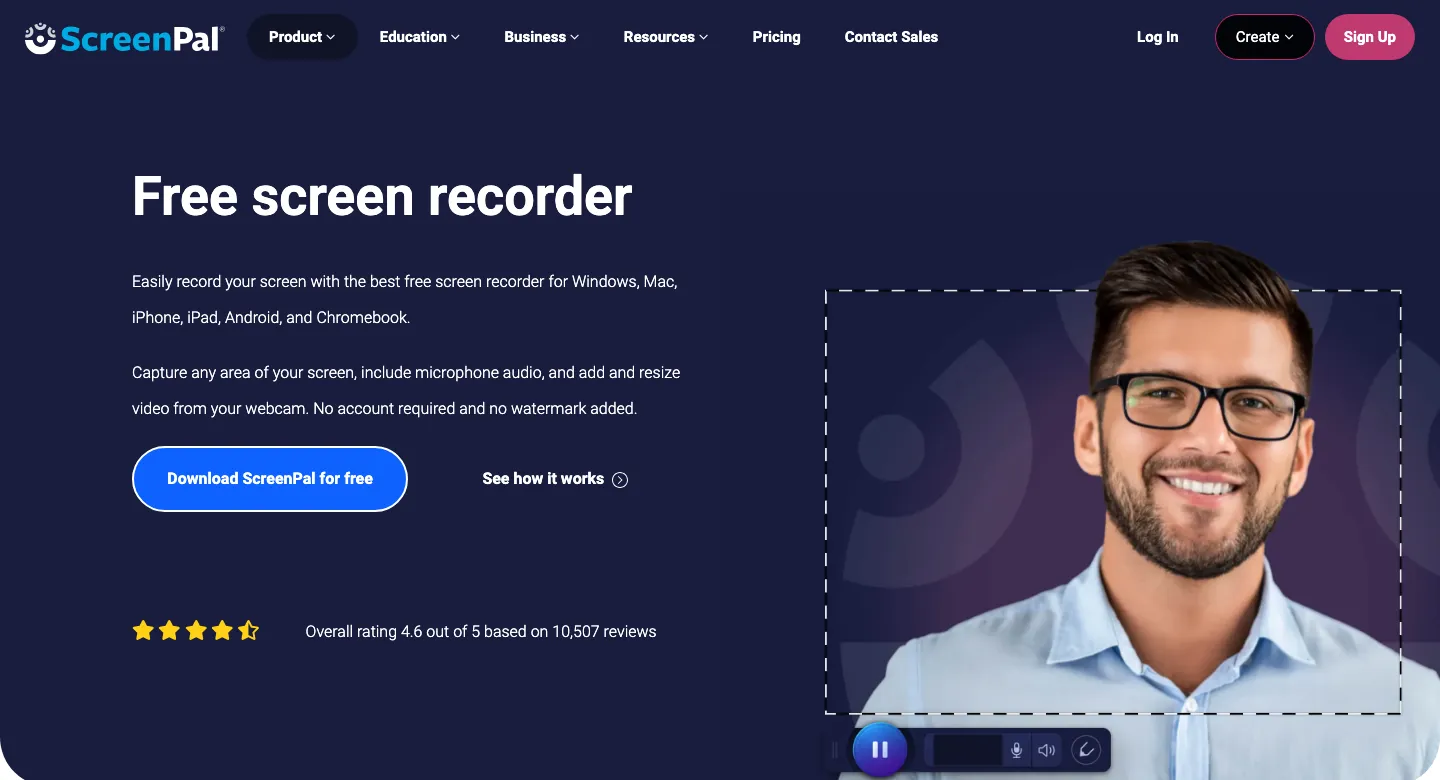
Best for: teachers and small teams that need longer free recordings.
What stands out
- The free plan records up to 15 minutes, three times Loom’s cap (plans).
- ScreenPal says it adds no watermark on free or paid plans.
- Every plan includes share links, embeds and comments, and the recorder also captures your webcam alongside the screen.
Limits
- Free playback is 720p; 4K needs Max or Business.
- Viewer insights are on Max and Business only.
Pricing: Through December 5, Deluxe is advertised at $3 a month and Max at $7.50, paid annually. Regular annual-plan rates are $4 and $10 per month respectively.
Skip it if you need team analytics on a budget.
10. OBS Studio: best free recorder
OBS Studio is free, open-source software for video recording and live streaming.
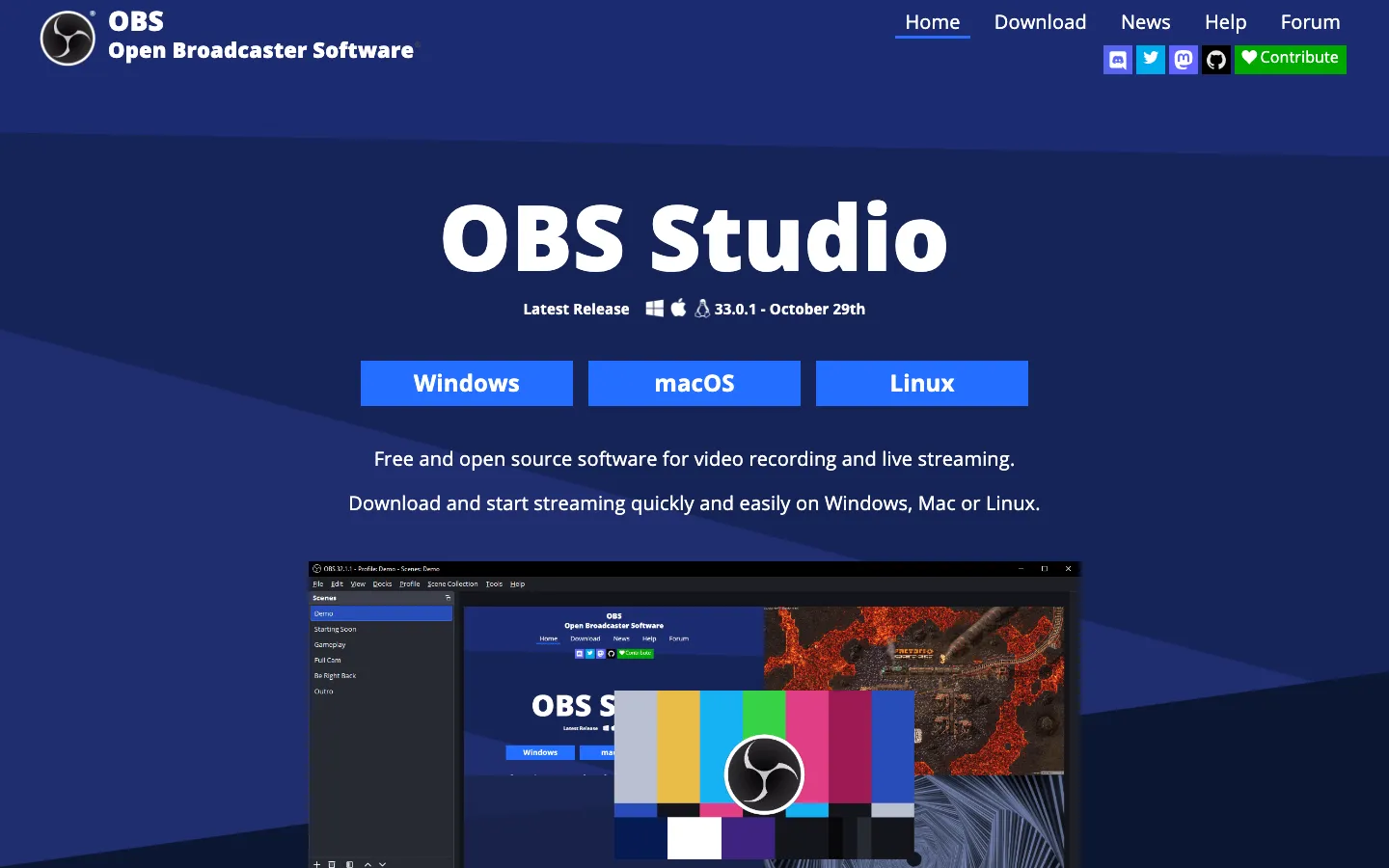
Best for: anyone who wants a capable recorder at no cost, including Linux users, and is happy to share files themselves through their own drive or video host.
What stands out
- Free and open source under the GPL, with no paid tier.
- Runs on Windows 10 and 11, macOS 13 or later, and Linux (download).
Limits
- It records files only: there are no share links, comments or viewer stats.
- Expect more setup than a one-click recorder: you configure scenes and sources yourself.
Pricing: free.
Skip it if your viewers expect a link that plays in the browser, or you want trims and captions done for you.
Also considered
- Cap: compare it when you want local recording and a separate hosting decision. Its desktop commercial license is $29/year or $58 once; Cap Pro hosting is $12/user/month or $8.16/month billed annually. These are different products, not interchangeable prices. Its Loom alternative page links a Loom importer; test a small library and permissions before migrating everything.
- Microsoft Clipchamp: free on Windows 11 and Mac, recording screen and camera in sessions of up to 30 minutes with no watermark. Work and school accounts get the recorder inside Microsoft 365 with a share link (Microsoft support).
- Zoom Clips: Clips Basic is free with five clips of up to two minutes each; worth a look if your team already lives in Zoom.
- Supademo: interactive demos plus video recordings; the free plan includes 5 guided interactive demos and 50 video recordings. Scale is $38 per creator per month billed annually.
- Guidde: turns browser workflows into how-to videos; free for up to 25 videos with a watermark, Pro from $19 per creator per month billed annually.
- Kommodo: the free plan keeps each recording viewable for 60 days; Premium is $9 a month billed yearly.
What you give up when you leave Loom
Loom’s strength is the page your video lands on. Before you move a team, check four things in the tool you pick:
- Where viewers watch. Tella, Zight, ScreenPal, Descript and Screen Studio give you hosted links; OBS gives you a file you upload elsewhere.
- Comments. Loom includes comments and reactions on every plan. Tella, Screen Studio and ScreenPal also support comments.
- Who watched. Loom Starter includes viewer insights, while several alternatives keep analytics for paid plans: Zight (Create), Vidyard (Starter), ScreenPal (Max) and Arcade (Growth).
- Your back catalog. Starter creators can’t download their videos, so plan the move while you still have the access you need (Loom download docs).
How to choose a Loom alternative
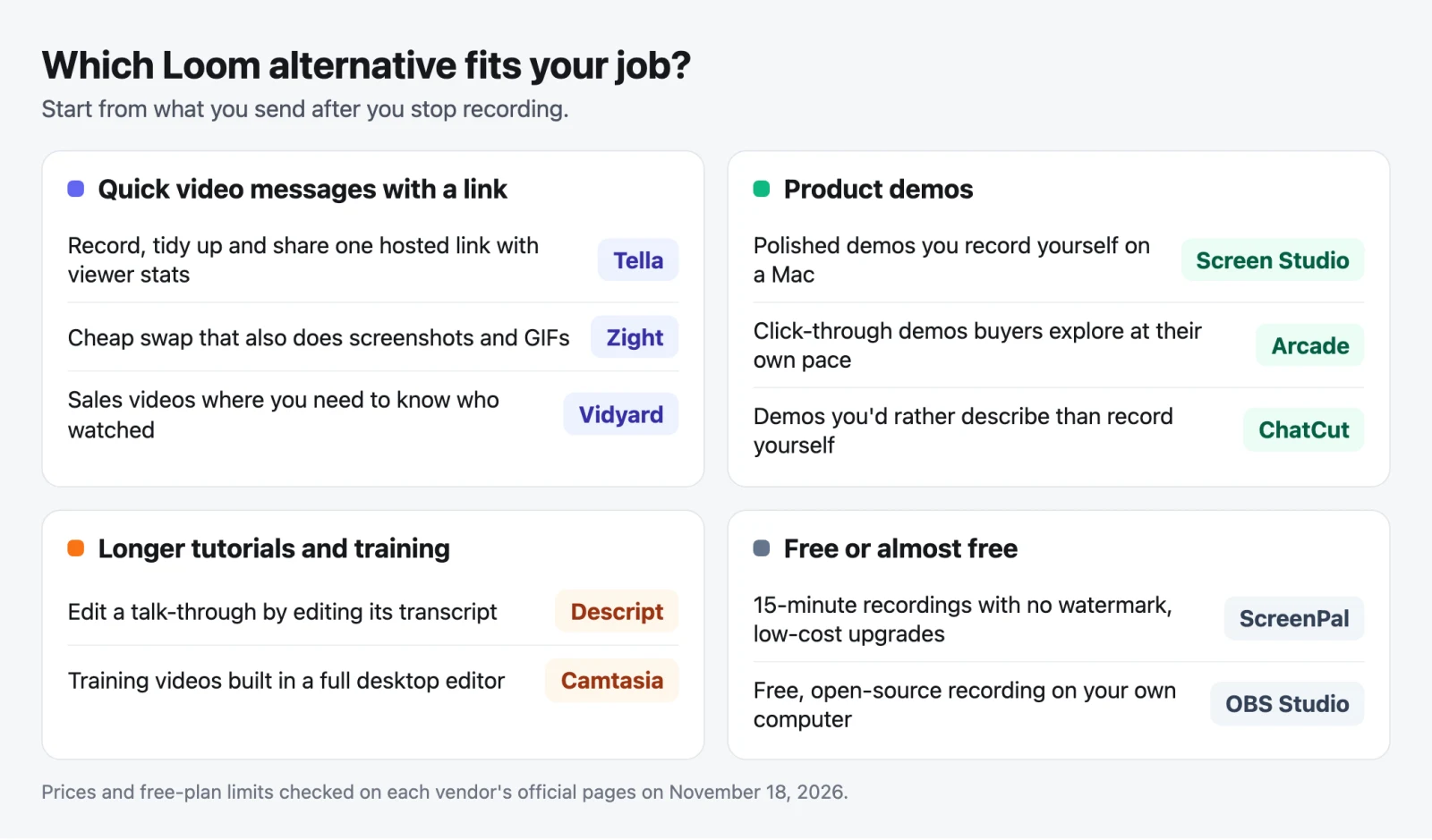
- If you want Loom’s speed with better editing and viewer stats, pick Tella.
- If you want a low-cost paid recorder that also handles screenshots and GIFs, pick Zight.
- If your videos go to prospects and you need engagement data, pick Vidyard.
- If you record polished demos yourself on a Mac, pick Screen Studio.
- If buyers should click through the product, pick Arcade.
- If you’d rather describe a demo than record it, pick ChatCut and review the cut before you share it.
- If you need to pay nothing, pick ScreenPal for hosted links or OBS Studio for local files.
For a step-by-step guide to planning and editing a demo with any of these tools, see how to make a product demo video; for what AI adds to recording, see our AI screen recorder guide.
When should I stay with Loom?
Stay if quick links, comments, viewer insights and an existing video library matter more than a more polished edit. Try one existing video with a colleague who has viewer access and a second person outside the workspace. Check whether both can watch, whether the colleague can comment, and what the owner sees afterward. Keep Loom for the library if those permissions or the old comment threads are essential.
A migration checklist before cancelling Loom
- Check who owns the recordings and who can download them. Loom’s download guide documents plan and access requirements; Starter creators cannot download their own videos.
- Download permitted recordings and keep a list of old URLs and where they are embedded. A video export does not carry over comments, watch history or access permissions.
- For a hosted library move, test Cap’s Loom importer with a small sample. Verify viewing access before replacing old links.
- For an edited demo, start with an exported recording. Rebuild any cuts or step labels you still need and compare the final frame with the original.
What does a one-person annual commitment look like? Tella Pro is $156/year. Screen Studio is $9 × 12 = $108/year. Cap Pro is $8.16 × 12 = $97.92/year, while its $29/year desktop license is local-only. ChatCut Starter costs $252/year with 100 credits per month. These totals exclude tax and extra usage; they do not imply equivalent hosting, editing or AI allowances.